
 By Asro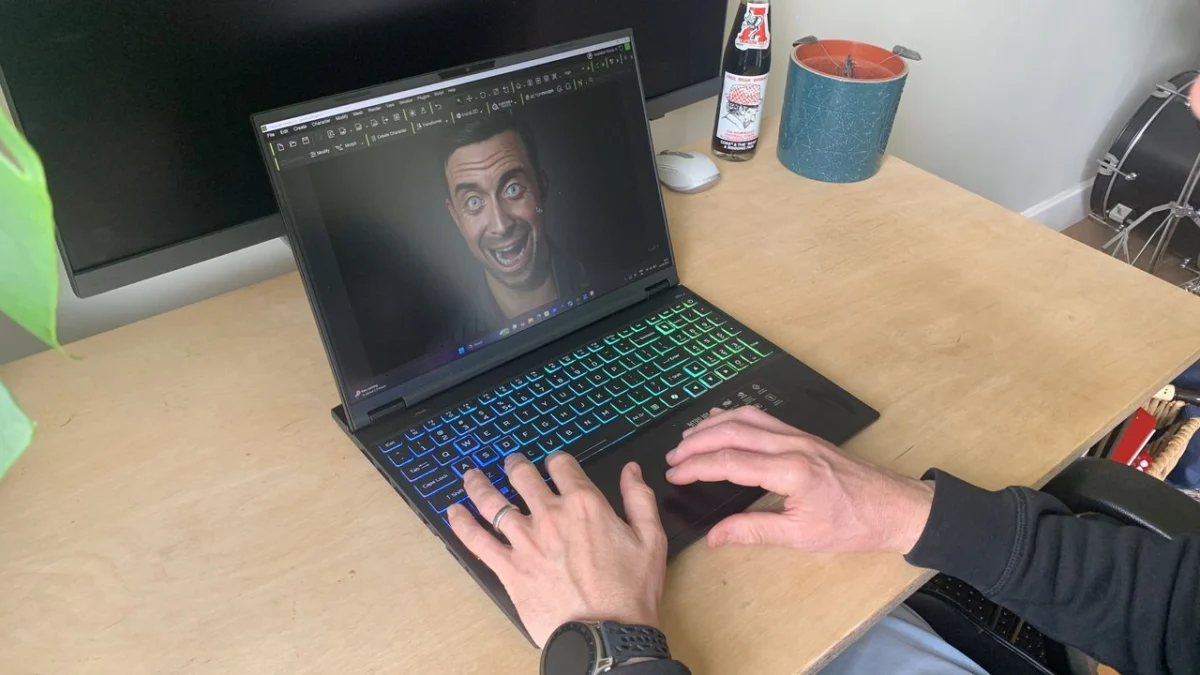
London, UK – [Current Date] – The landscape of high-performance computing continues to evolve, with manufacturers increasingly targeting devices capable of serving dual roles: intense gaming and demanding creative applications. Acer’s latest offering, the Nitro 16S AI, stands as a testament to this convergence, positioning itself as a robust, AI-powered laptop designed to handle a multitude of digital tasks with commendable efficiency. Initially conceived with gamers in mind, this machine has proven to be a surprisingly capable ally for graphic designers, 3D artists, video editors, and other creative professionals.
The Blurring Divide: Gaming Laptops as Creative Hubs
For years, a clear distinction existed between gaming laptops and workstations. Gaming machines prioritized raw graphical power, high refresh rate displays, and aggressive cooling, often at the expense of portability or a subdued aesthetic. Creative workstations, on the other hand, focused on color accuracy, CPU-intensive processing, and professional-grade software certifications. However, as hardware technology advances, particularly in the realm of GPUs and AI accelerators, the lines have become increasingly blurred. Modern gaming laptops, with their powerful NVIDIA RTX graphics cards and multi-core processors, possess the fundamental muscle required for complex creative workflows such as 3D rendering, video encoding, and high-resolution image manipulation.
The Acer Nitro 16S AI embodies this trend, arriving with specifications that appeal equally to a competitive gamer and a diligent creative. Its "AI" moniker is not merely a marketing flourish; it signifies a deliberate integration of advanced processing units aimed at enhancing user experience and productivity across various applications, from simple speech-to-text transcription to more complex AI-accelerated rendering tasks.
Core Specifications: Powering Performance and AI
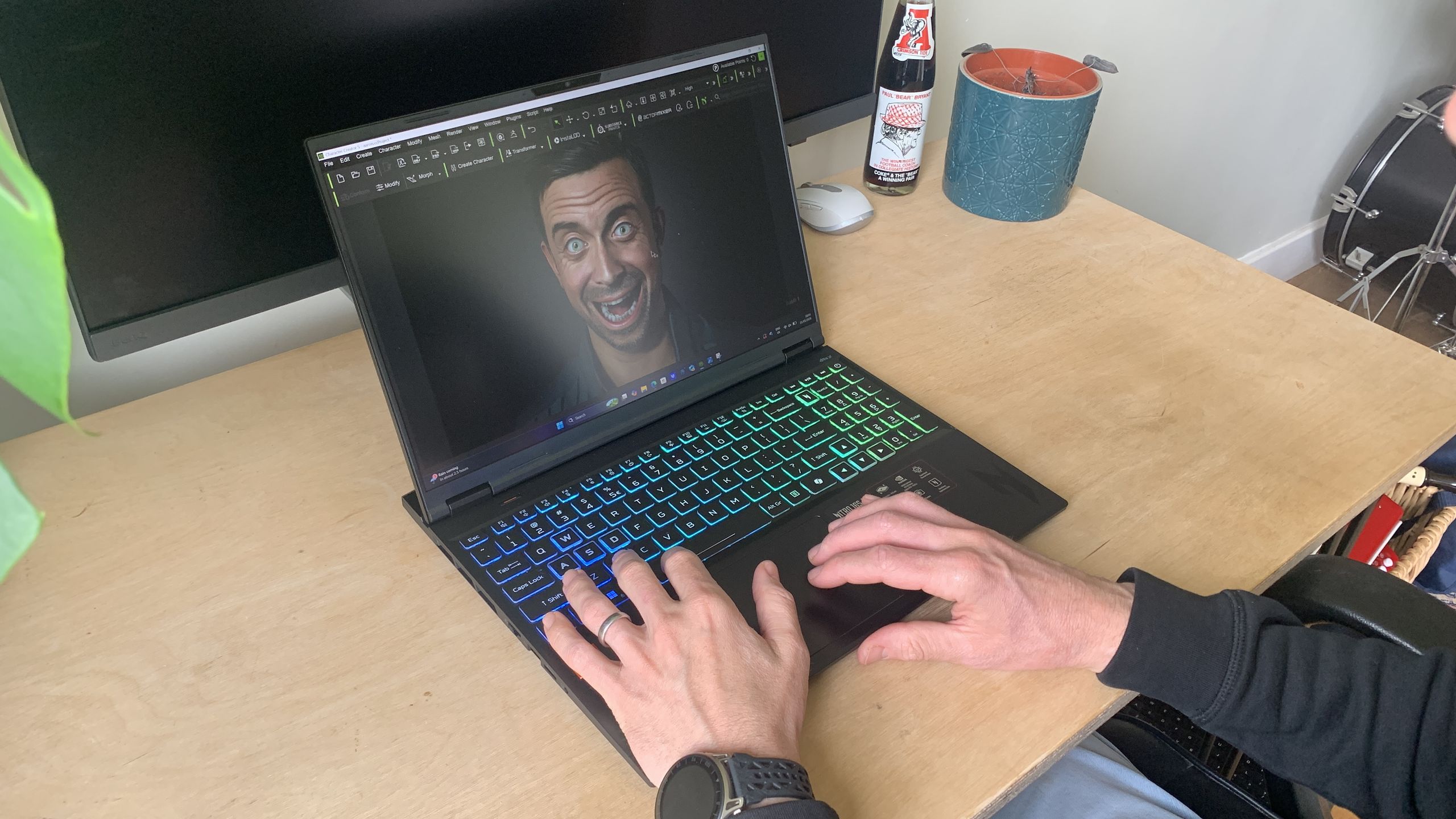
At the heart of the Acer Nitro 16S AI lies a formidable combination of components designed to deliver a high-performance experience. The review unit tested featured an AMD Ryzen AI 7 processor, a cutting-edge CPU equipped with integrated AI capabilities, complemented by a dedicated NVIDIA GeForce RTX 5070 Ti GPU. This graphics card, built on NVIDIA’s advanced Blackwell architecture, is a cornerstone for both graphically demanding games and GPU-accelerated creative software. It supports advanced features like real-time ray tracing and NVIDIA DLSS (Deep Learning Super Sampling), which significantly boost performance and visual fidelity in compatible applications.
Crucially, the laptop also incorporates a Neural Processing Unit (NPU) capable of up to 50 TOPS (Trillions of Operations Per Second). This dedicated hardware accelerator offloads AI-specific tasks from the CPU and GPU, enabling more efficient and faster execution of AI-powered features. While the article notes it won’t "excel with generative AI" in the same way a top-tier dedicated AI workstation might, it is perfectly suited for "handy time-saving AI tools like speech-to-text transcribing," and integration with the "Copilot+ PC" ecosystem promises a user-friendly AI experience.
Rounding out the core hardware, the Nitro 16S AI comes equipped with a generous 32GB of RAM and a speedy 1TB SSD, ensuring smooth multitasking and rapid data access – essential for large project files and demanding applications.
Visual Immersion: The 16-inch Display
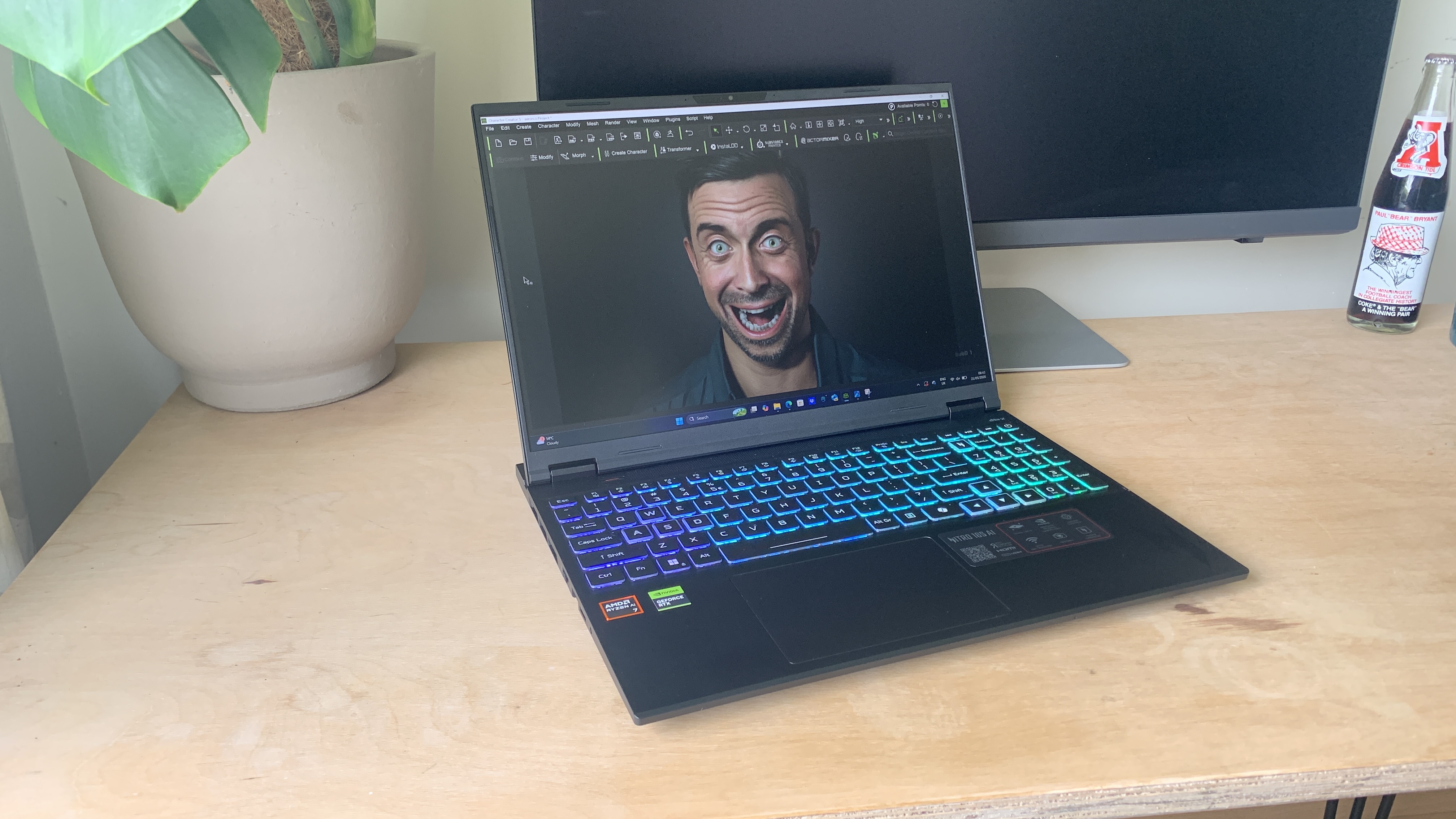
A laptop’s display is paramount for both gaming and creative work, and the Acer Nitro 16S AI offers a compelling visual experience. It features a 16-inch IPS panel with a sharp 2560 x 1600px resolution. This WQXGA resolution provides ample screen real estate, allowing creatives to work with multiple palettes and timelines without feeling cramped, while gamers benefit from crisp visuals.
One of the standout features for gamers is the 180Hz refresh rate, ensuring incredibly smooth motion and responsiveness. For creatives, while a high refresh rate is less critical than color accuracy, it still contributes to a more fluid and comfortable user experience. The display boasts 100% DCI-P3 color gamut coverage, a professional-grade standard that indicates excellent color reproduction, making it suitable for graphic design, photo editing, and video work where accurate colors are vital. With a peak brightness of 400 nits, the screen is adequately bright for most indoor environments, though it might struggle under direct sunlight. While it lacks OLED technology, which offers superior contrast and true blacks, the IPS panel’s overall quality is impressive for its category.
Thoughtful Engineering: Design, Build, and Connectivity
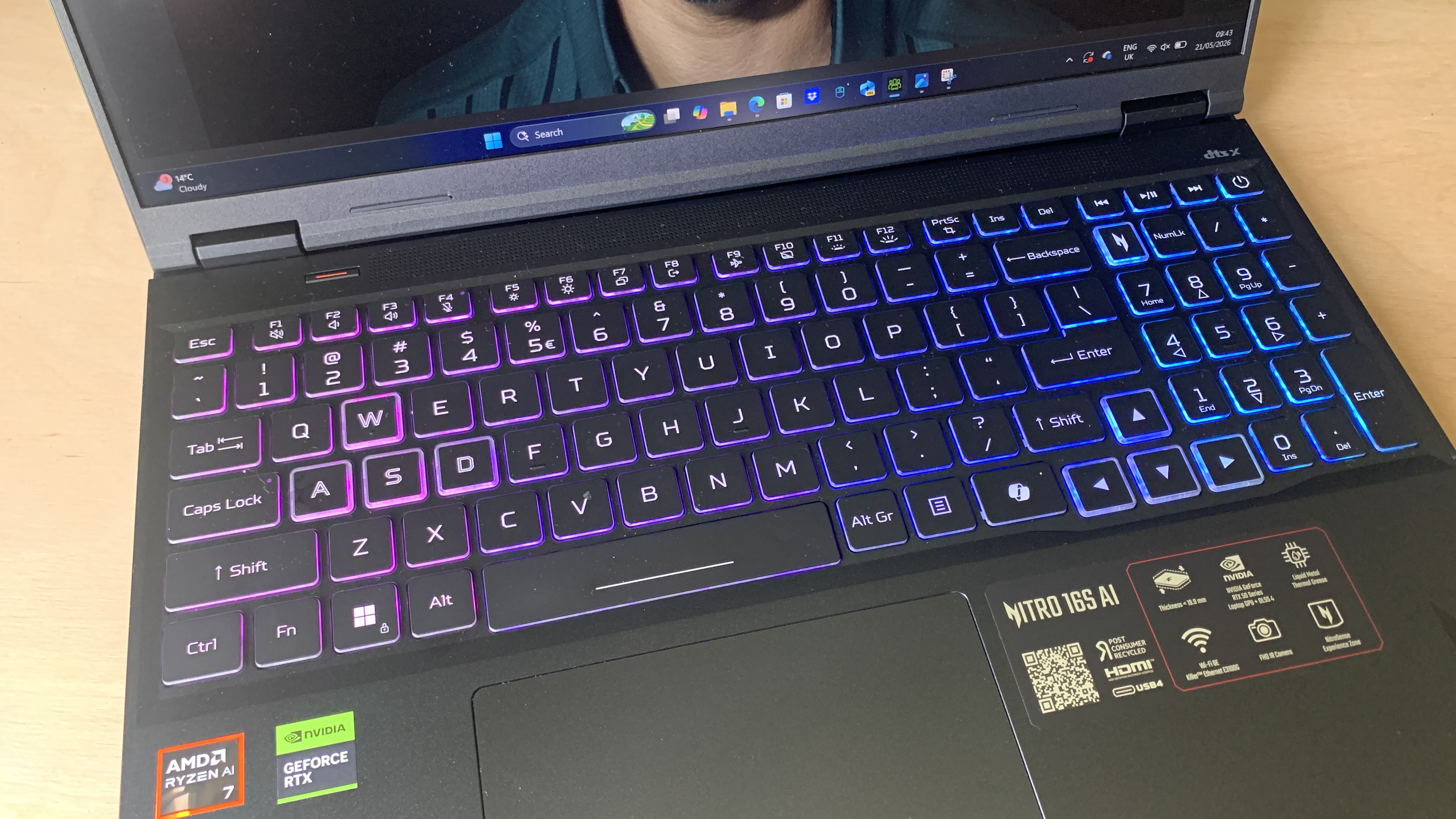
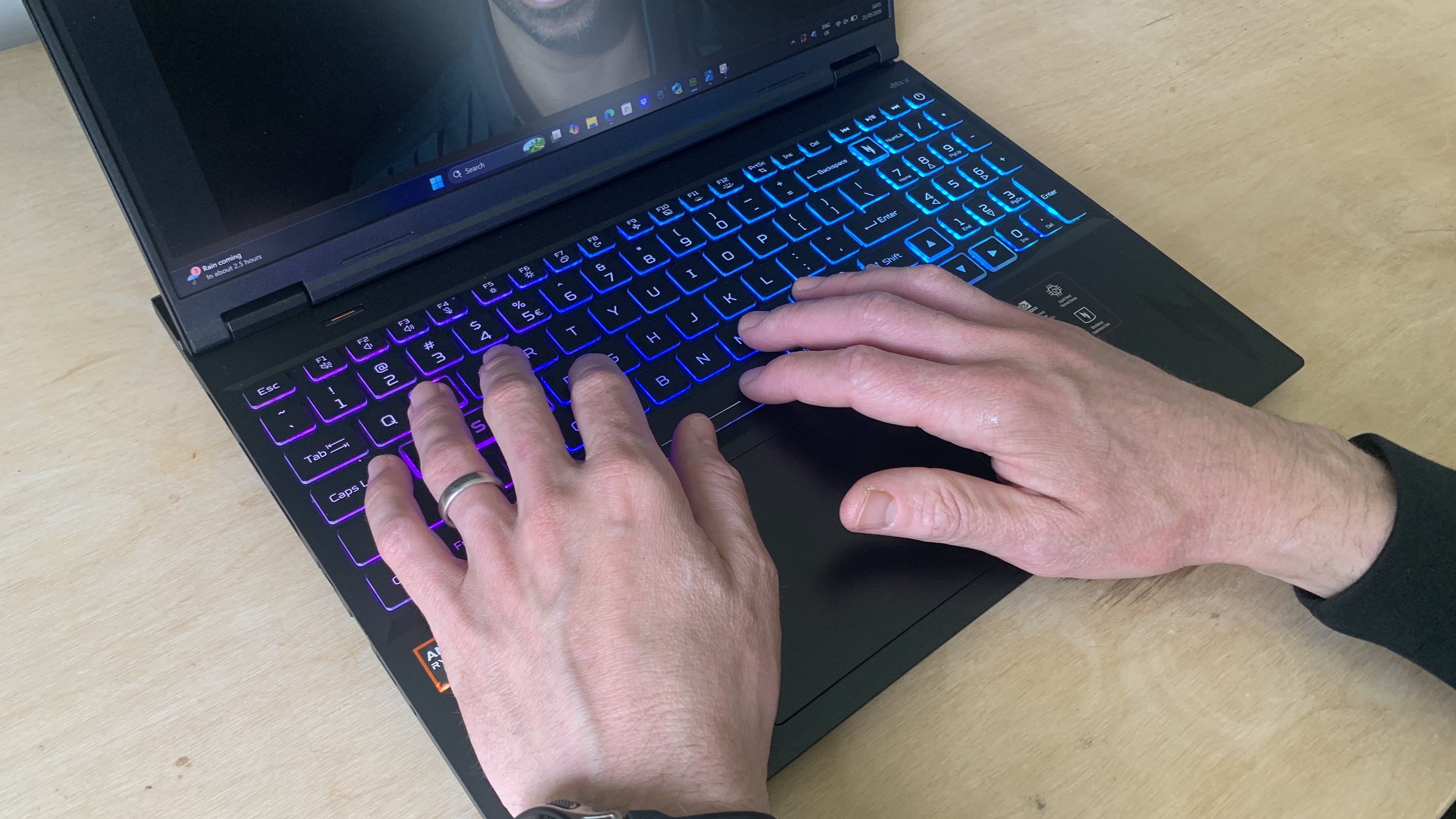
In terms of aesthetics, the Acer Nitro 16S AI takes a more understated approach compared to some of its flashy gaming counterparts. The reviewer describes its look as "nothing to write home about" and "far from offensive, but it doesn’t particularly stand out," noting it doesn’t possess the "edgy aesthetic that MSI has made its own" or the "piece of art" quality of MacBooks. However, its practicality shines through.
The chassis is solidly built with high-quality plastic and a fingerprint-resistant coating, conveying a sense of durability. The robust hinge, positioned inset from the rear edge, is designed to withstand regular use, addressing concerns about long-term reliability. Despite its 16-inch screen, the laptop is considered portable for its size, weighing in at 2.18 kg and measuring H20.99 x W356.78 x D275.50 cm.
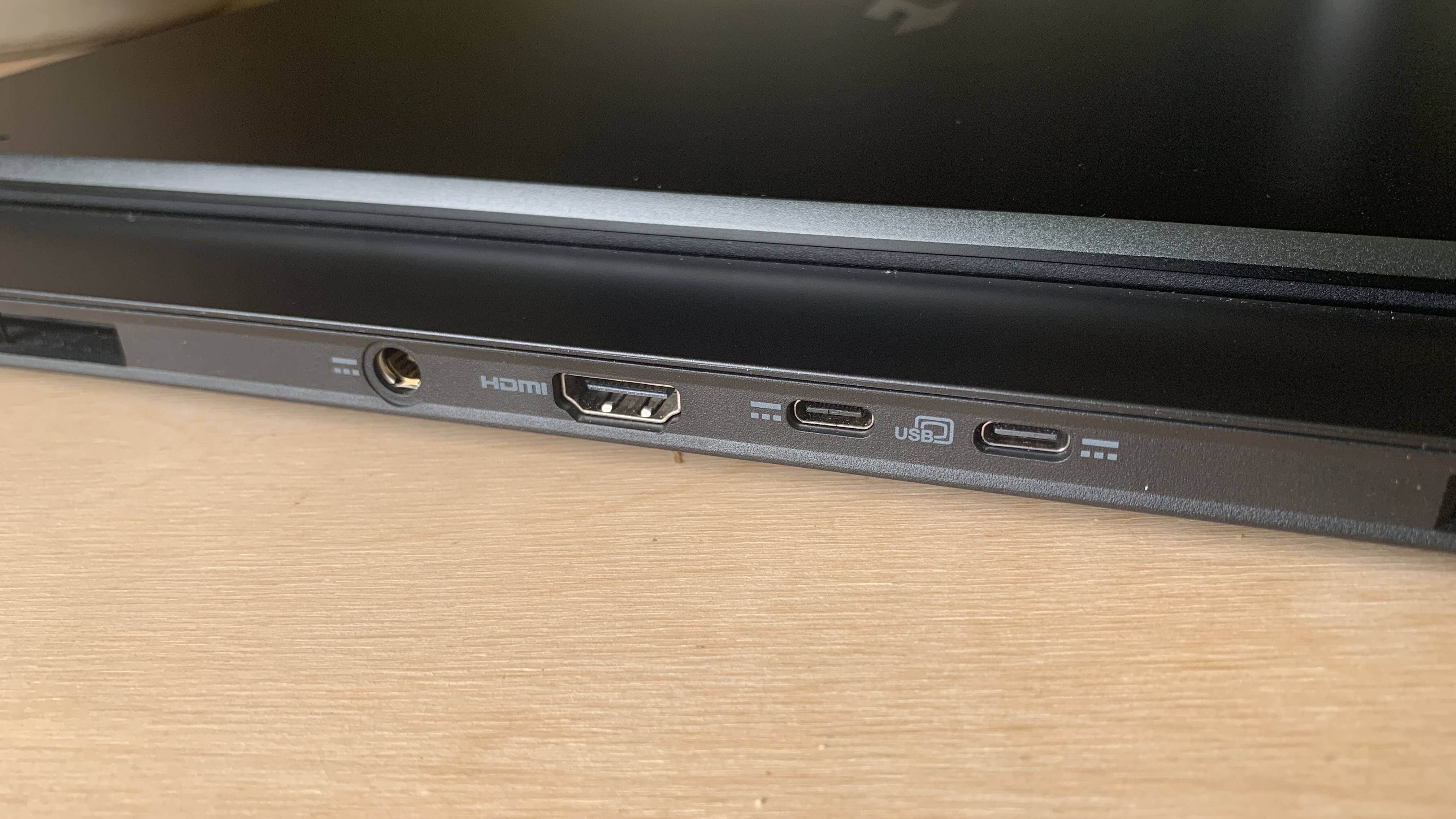
Where the Nitro 16S AI truly excels in design is its abundance and thoughtful placement of ports. Connectivity options include:
- 2x USB-C
- 3x USB-A
- 1x HDMI 2.1
- 1x RJ-45 (Ethernet)
- 1x MicroSD Card Reader
- 1x 3.5mm Combo Audio Jack
The inclusion of a dedicated HDMI 2.1 port is a significant advantage, as many modern laptops, particularly professional ones, have moved to USB-C for external displays, necessitating adapters. This makes connecting to a wider range of monitors much simpler. Furthermore, Acer’s decision to place some ports, including the power and HDMI cables, at the back behind the display is a major win for cable management, preventing cluttered workspaces – a common frustration for users of laptops with side-only ports.
To ensure sustained performance, Acer has implemented a sophisticated cooling system. This includes a dual-fan architecture, a quad-intake and exhaust design, and the use of liquid metal thermal grease on the CPU. This advanced thermal management proved effective during testing, with the reviewer noting "no thermal throttling," meaning the powerful hardware can operate at its peak without performance degradation, even during prolonged intensive tasks.
Performance Unpacked: Benchmarks and Real-World Experience
To rigorously assess the Acer Nitro 16S AI’s capabilities, a comprehensive suite of benchmarking software was employed, designed to provide a thorough overview of its suitability for various creative disciplines and levels. The overarching conclusion from these tests was consistent: the Nitro 16S AI delivers "uniform mid-range performance for a gaming laptop," proving to be a "solid all-rounder" without necessarily excelling in any single specific area.
CPU and GPU Performance (Geekbench & Cinebench):
- Geekbench: This benchmark tests the CPU for single-core and multi-core power, and the GPU for its potential in gaming, image processing, and video editing. Geekbench AI also evaluates CPU and GPU on AI-powered tasks. While specific scores are not provided in the snippet, the narrative suggests competent results.
- Cinebench: This tool assesses the CPU and GPU’s ability to run demanding 3D rendering tasks, specifically within Cinema 4D and Redshift. The Nitro 16S AI’s rendering results were comparable to the MSI Prestige A16 AI+ and landed "almost slap bang in the middle" of other laptops reviewed. This indicates that it can handle rendering jobs, but users shouldn’t expect "lightning-fast" completion times.
AI and Creative Application Performance:
- UL Procyon: This suite tests AI image generation (Stable Diffusion), Microsoft Office performance, and battery life. For AI image generation, the NPU and RTX GPU contribute to a capable experience.
- Topaz Video AI: Used to test video upscaling and slow-motion conversion, tasks that heavily leverage AI. The Nitro 16S AI showed "slightly elevated scores beyond the mid-range" here, attributed to the acceleration provided by the RTX card. This suggests it’s well-suited for occasional AI video workloads.
- ON1 Resize AI: This benchmark tests the system’s ability to batch resize five photos to 200%. Similar to Topaz Video AI, the RTX acceleration likely contributed to respectable performance in this photo-centric AI task.
- PugetBench for Creators: This professional benchmark tests performance in key tasks within Adobe Photoshop and Premiere Pro, as well as video encoding/transcoding. The results indicated smooth "general editing and applying filters in Photoshop," aligning with the reviewer’s hands-on experience. Premiere Pro editing was "okay," though encoding was "not particularly quick," suggesting that while it’s capable, dedicated video editing workstations might offer faster export times for heavy projects.
Real-World Application:
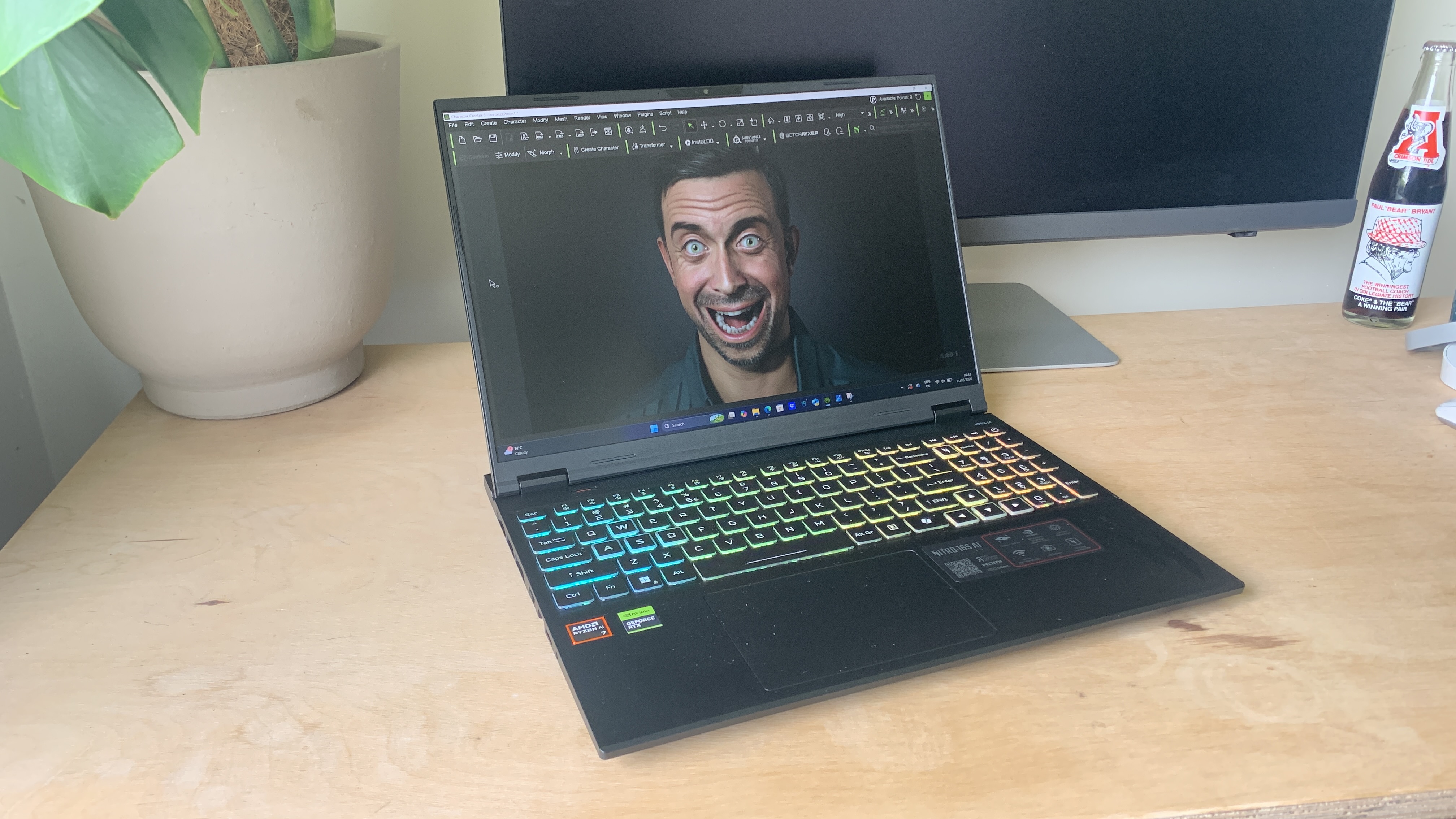
Beyond benchmarks, the reviewer conducted practical testing with Reallusion’s Character Creator, a demanding 3D animation software. The laptop "proved responsive throughout with no lags, holdups, or memory issues." The ability to "create 3D characters, apply motion, and perform mo-cap without any problems whatsoever" is a strong endorsement for its real-world creative capabilities, especially in 3D content creation.
Battery Life:
One area where the Nitro 16S AI shows a common limitation of powerful gaming/creative laptops is battery life. In the Procyon Video Battery Life test, which continuously plays video until depletion, the laptop lasted just over six hours. This means it’s not an ideal companion for a full day of unplugged work, especially for power-intensive tasks. Users primarily working at a desk with access to power outlets will find this perfectly acceptable, but those frequently working on the go without charging access should consider this limitation.
Pricing and Market Positioning: Value Proposition
The Acer Nitro 16S AI Gaming Laptop, with the specified configuration (AMD Ryzen AI 7 Processor, NVIDIA RTX 5070 Ti GPU, 32GB RAM, 1TB SSD), is currently priced at £1,799.99 in the UK. This places it in the upper-mid to high-end segment of the laptop market. The reviewer acknowledges this is "far from cheap" but suggests it offers a reasonable value proposition given the powerful CPU and GPU combination.
When considering alternatives, the article points to several options, each with its own strengths:
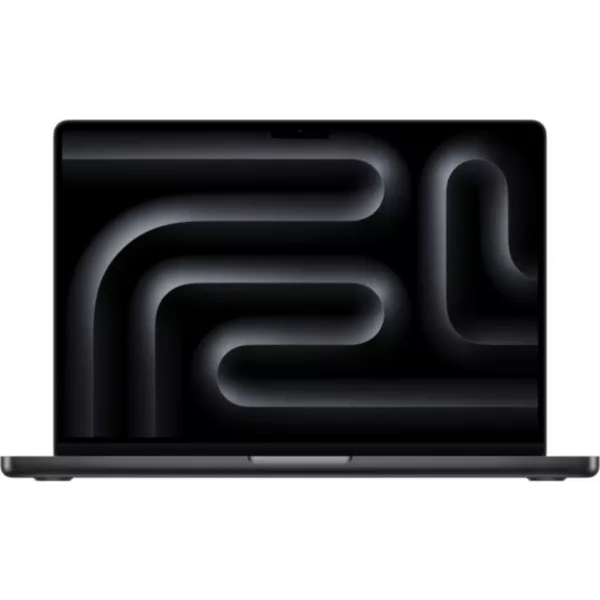
- Apple MacBook Pro 14.2-inch (M5): Priced at £1,544.97, this is highlighted for graphic design and impressive AI hardware, offering a different ecosystem and design philosophy. While it lacks an NVIDIA RTX card, Apple’s integrated M-series chips are renowned for their efficiency and performance in creative applications.
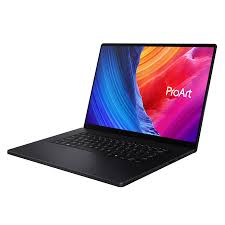
- ASUS ProArt P16 (2025): Described as a "creative powerhouse" with an NVIDIA 5070, this laptop is a direct competitor for creatives seeking robust graphics performance within the Windows ecosystem.
- Lenovo Legion 7 Pro: A "pure gaming beast" that also packs the specs to be an ideal creative laptop, offering another high-performance Windows-based alternative.
The Nitro 16S AI’s price point reflects its capable hardware and its dual-purpose design. For users who need a machine that can comfortably switch between high-fidelity gaming and demanding creative tasks without breaking the bank for a specialized workstation, its value proposition is strong.
Who is it for? Implications and Conclusion
The Acer Nitro 16S AI is, first and foremost, an unashamedly gaming-first laptop. However, its robust specifications inherently make it an excellent choice for a wide array of creative professionals.
Buy it if:
- You are a gamer who also needs a powerful machine for creative work like graphic design, 3D modelling, or video editing.
- You appreciate a generous and well-organized port selection, including a dedicated HDMI port and rear-mounted connections for tidier cable management.
- You need a laptop with strong mid-range performance across various demanding applications, offering reliability rather than extreme specialization.
- You value the integration of AI features for productivity enhancements and accelerated workflows (e.g., speech-to-text, AI-enhanced image/video processing).
- You work primarily in locations with access to power, mitigating the average battery life.
Don’t buy it if:
- You require top-tier, specialized performance in a single area (e.g., ultra-fast 4K video encoding, professional-grade color grading with OLED display accuracy).
- You need exceptional battery life for extended periods of unplugged work on the go.
- You prefer a laptop with a premium, minimalist design aesthetic over functional practicality.
- Your primary creative workflow demands the specific optimizations and ecosystem of Apple’s macOS.
In conclusion, the Acer Nitro 16S AI emerges as a highly versatile and appealing option for a broad spectrum of users. While it may not replace the design elegance or specific ecosystem advantages of a MacBook Pro for some, its ability to tackle "whatever I threw at it with relative ease" makes it an ideal machine for creatives working across multiple applications and workflows. By effectively blurring the lines between gaming and creative powerhouses, Acer has delivered a compelling all-rounder that stands ready to empower both play and productivity.
 Evan Lee Salim
  Nana
Nana  Ammar Sabilarrohman