
 By Siti Muinah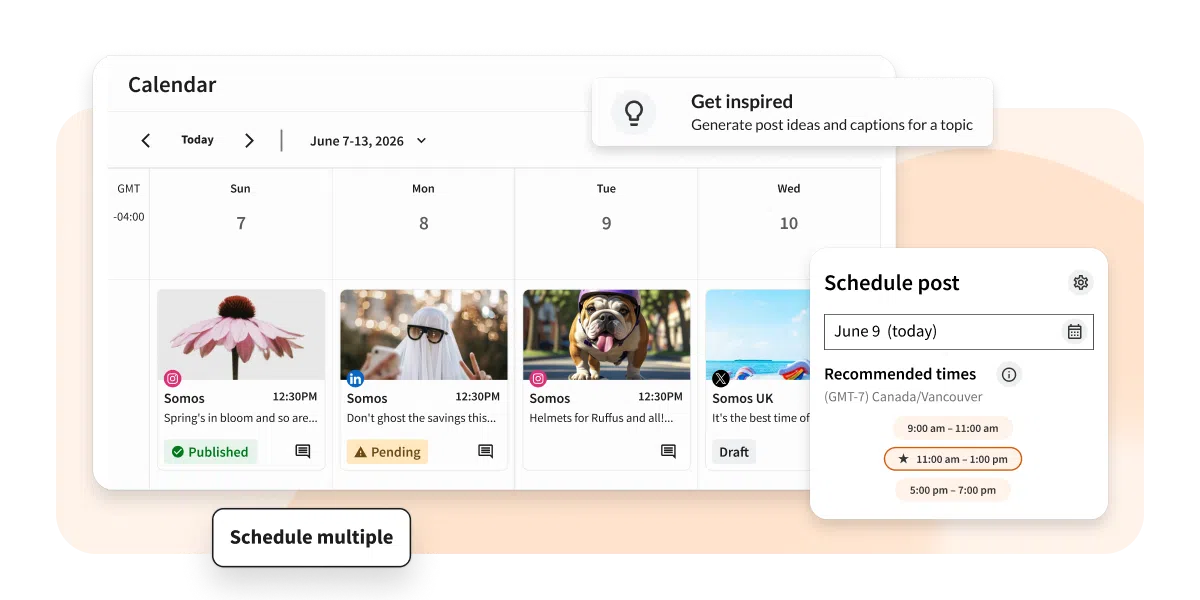
By Sam Lauron
September 15, 2026
Executive Summary & Main Facts
As digital marketing demands outpace team headcount, modern organizations face an escalating coordination challenge. In 2026, social media collaboration tools have evolved from simple scheduling utilities into sophisticated, AI-assisted operating systems. According to recent industry shifts—including Gartner’s integration of social media management and listening into a single strategic market—the definition of a collaboration tool now spans multi-department governance, real-time engagement, and auditable compliance.

The core dilemma for modern marketing departments is visibility. When strategy lives in one platform, drafts in another, feedback loops in email, and quick questions in Slack, productivity plummets. To counteract this, organizations are turning to unified social media collaboration tools designed to help cross-functional teams plan, review, approve, and publish content within a single shared workspace.
The Chronology of Collaborative Social Media Management
The evolution of social media software reflects the changing nature of digital work:

- The Early 2010s (The Scheduling Era): Tools functioned primarily as digital calendars. One social media manager queued up basic text and link updates across two or three platforms. Collaboration was virtually non-existent because work was rarely cross-functional.
- The Late 2010s to Early 2020s (The Multi-User Era): As brands scaled their presence, teams expanded. Platforms introduced basic multi-user logins and simple approval checkpoints. However, disconnected tools often resulted in fragmented communication channels and lost context.
- 2026 and Beyond (The Operating System Era): Today, social media tools operate as centralized ecosystems. Driven by enterprise security needs and automated workflows, modern systems integrate AI drafting assistance, unified customer care inboxes, multi-level approval routing, and robust audit trails (such as Hootsuite’s Vigil and Wisdom layers) to ensure brand safety at scale.
Supporting Data and Essential Software Features
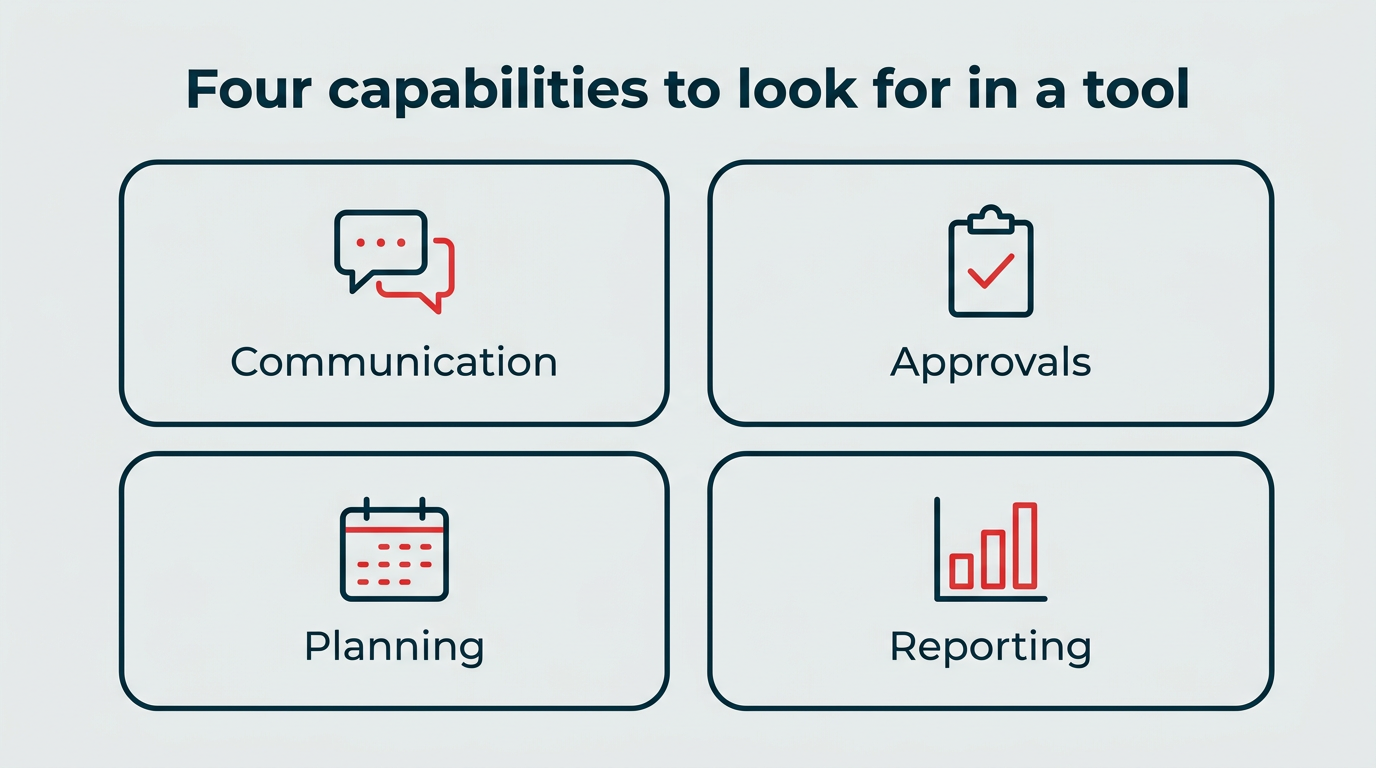
When evaluating social media collaboration software, industry experts emphasize four vital capabilities to eliminate operational bottlenecks:
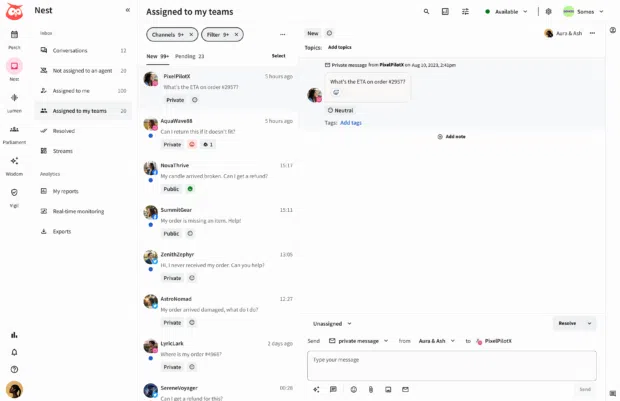
- Team Communication & Real-Time Commenting: Centralizing discussions directly on drafts or within unified customer service inboxes (such as Hootsuite’s Nest) eliminates the need to jump between emails, spreadsheets, and messaging apps.
- Approval Workflows & Role-Based Permissions: Multi-step routing and granular user permissions ensure that content is properly vetted before publishing, reducing costly brand errors and maintaining regulatory compliance.
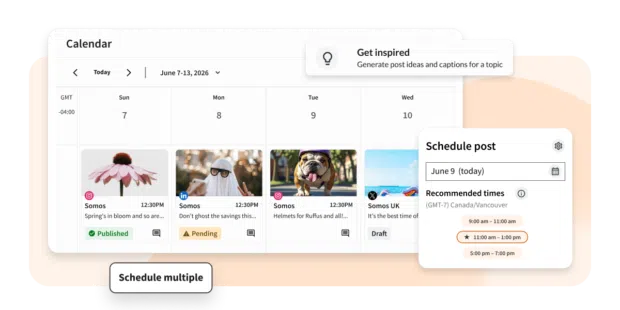
- Content Planning & Shared Calendars: A centralized calendar gives creators, managers, and executives clear visibility into upcoming campaigns, preventing content gaps and scheduling conflicts.
- Analytics & Reporting: Shared dashboards connect creative execution directly to business impact, allowing marketing teams to easily demonstrate return on investment (ROI) to leadership.
Comparative Overview of Leading Collaboration Solutions (2026)
| Tool | Best For | Key Collaboration Features | Starting Price | Ideal Team Size |
|---|---|---|---|---|
| Hootsuite | All-in-one social collaboration and governance | Approval workflows, shared calendar, unified inbox, permissions | $99/user/month | Mid-size to enterprise |
| Sprout Social | Analytics-led social teams | Shared inbox, approval workflows, reporting | ~$79/seat/month (Annual) | Mid-size to enterprise |
| Agorapulse | Small teams and agencies | Shared inbox, calendar, client approvals | ~$79/user/month | Small to mid teams |
| Planable | Visual content approvals | Multi-level approvals, post previews, client workspaces | ~$33/workspace/month | Small to mid teams |
| Loomly | Structured content workflows | Approval steps, post ideas, asset library | ~$49/month (Annual) | Small to mid teams |
| Trello | Campaign tracking | Task boards with assignments and comments | Free; paid from $5/user/mo | Small to mid teams |
| Monday.com | Project management | Custom workflows and shared dashboards | Free; paid from $9/seat/mo | Mid-size teams |
| ClickUp | Cross-team visibility | Task databases, custom tags, dependencies | Free; paid from $7/user/mo | Mid-size to enterprise |
| Slack | Real-time communication | Organized channels, app integrations, file sharing | Paid from $7.25/user/mo | All team sizes |
| Canva | Content creation | Shared templates, commenting, brand kits | Free; paid from $12/month | Small to mid teams |
Official Perspectives and Industry Implications
Industry leaders note that the expansion of social media tools is a direct response to rising consumer expectations and complex regulatory landscapes. Unapproved posts can carry severe legal or regulatory consequences, particularly in heavily regulated sectors like financial services, healthcare, and professional services.
Key Platform Deep-Dives
- Hootsuite Social OS: Engineered as a unified social operating system, Hootsuite replaces fragmented legacy workflows with connected layers. Features like Perch handle scheduling, Nest powers unified customer service inboxes, Wisdom leverages AI for performance queries, and Vigil provides robust policy enforcement and audit trails.
- Sprout Social: Renowned for its robust analytics capabilities and shared inboxes, Sprout suits mid-to-large teams that frequently present data-driven reports to executive leadership.
- Planable & Loomly: Ideal for organizations whose primary bottleneck is creative sign-off, offering visual post previews and structured, step-by-step review workflows.
- General Productivity Tools (Trello, Monday.com, ClickUp, Slack, Canva): While not exclusively built for social publishing, these platforms offer flexible cross-functional project management, real-time messaging, and rapid graphic design production that integrate seamlessly into broader marketing ecosystems.
Strategic Implications for Modern Marketing Teams
Adopting the right software is only half the battle; long-term success relies heavily on establishing clear team processes. To maximize the value of collaborative social tools, marketing departments should implement the following best practices:
- Audit Your Current Workflow: Identify where handoffs routinely stall—whether during copywriting, legal compliance, or final design sign-off—before selecting a tool.
- Establish Clear Roles and Permissions: Define exactly who has the authority to draft, edit, approve, and publish content to protect brand integrity.
- Minimize Tool Spoilage: Strive to keep ideation, feedback, and execution within a centralized ecosystem rather than scattering context across dozens of disparate applications.
- Incorporate AI Responsibly: Use AI assistants for rapid drafting and workflow routing, but always maintain a human review layer to verify brand voice and policy compliance.
- Review Performance Metrics Regularly: Leverage integrated analytics to connect day-to-day engagement metrics directly with overarching business goals and ROI.
Ultimately, when workflow processes, role definitions, and modern tooling align, social media marketing teams can drastically reduce administrative friction, elevate creative output, and achieve consistent, scalable results.
Frequently Asked Questions
What are social media collaboration tools and why do teams need them?
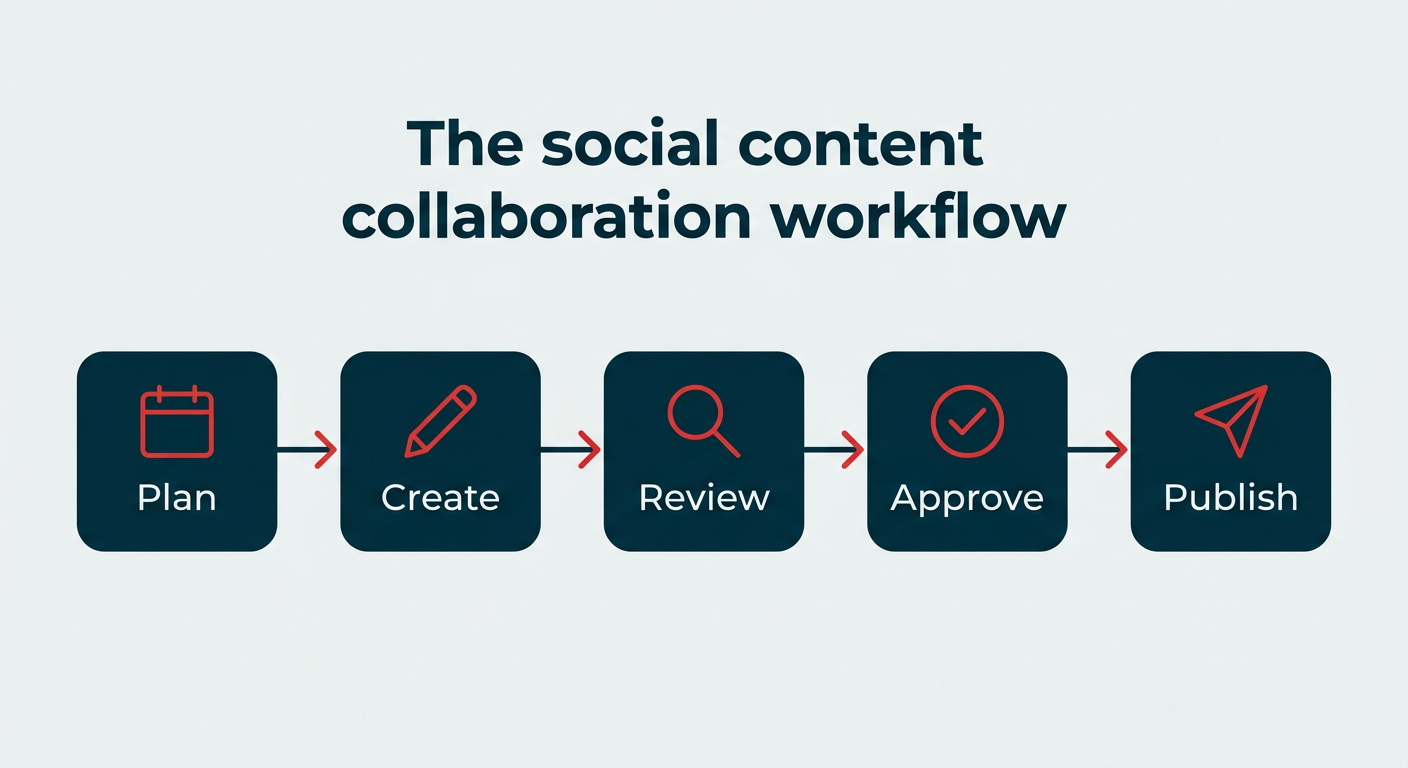
Social media collaboration tools are platforms that help teams plan, create, approve, and publish content within a single shared workspace. They eliminate scattered spreadsheets, messy email threads, and fragmented messaging apps, reducing errors and ensuring brand consistency.
How do social media collaboration tools improve workflow and governance?
By centralizing communication, multi-step approvals, and role-based permissions, these tools create structured accountability. Governance layers record audit trails for every approval, safeguarding enterprise brands from regulatory missteps and public relations issues.
What features should you look for in social media collaboration software?
Key features include task assignments, structured approval workflows, role-based permissions, real-time commenting, shared content calendars, robust analytics, and AI-assisted workflow routing.
Can social media collaboration tools manage multiple brands or clients?
Yes. Most advanced collaboration platforms support multi-brand and multi-client management, though organizations should carefully evaluate how each tool handles separate permission levels and client-specific reporting before committing.
What is the difference between a social media collaboration tool and a social media management tool?
While traditional management tools focus primarily on scheduling and publishing, collaboration tools incorporate team-specific features such as multi-tiered approval workflows, role-based permissions, shared editorial calendars, and real-time team commentary.
 Lina Irawan
  Nana Muazin
  Nila Kartika Wati