
 By Jia Lissa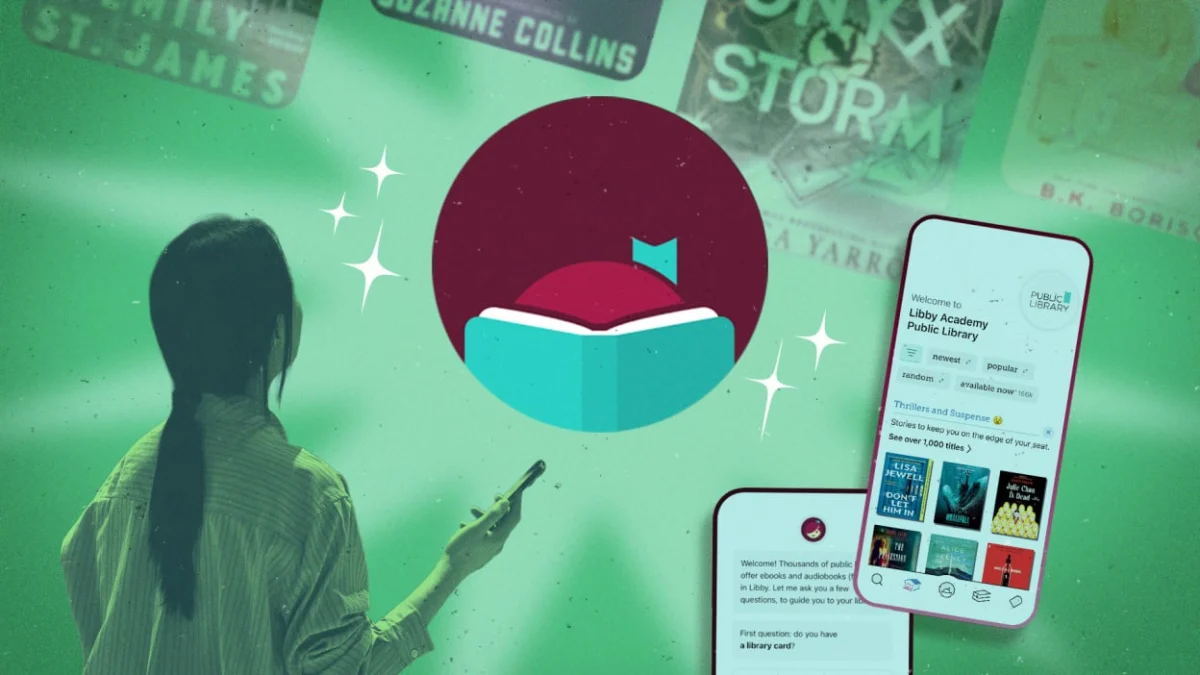
By Emily Long
Published: September 10, 2026
Introduction: The Modern Library Renaissance
In an era dominated by subscription-based streaming services, ad-supported audio platforms, and steep retail prices for physical and digital books, the humble public library remains one of the last true bastions of equitable, free public access to culture and information. Over the past decade, that access has transitioned from the physical stacks to the digital cloud, largely anchored by Libby—the intuitive app developed by OverDrive that connects millions of readers to their local library systems.
Libby has fundamentally transformed how communities consume media, offering an enormous catalog of e-books, audiobooks, and digital magazines accessible via a smartphone, tablet, or e-reader. Yet, despite its widespread adoption, many users only scratch the surface of the platform’s robust feature set. Whether you are an avid reader trying to slash wait times for bestsellers, a data-driven bibliophile looking to sync your history with platforms like Goodreads, or an audiobook enthusiast trying to reclaim precious device storage, mastering Libby requires looking beyond the basic borrow-and-read interface.
Below is a comprehensive guide to navigating, optimizing, and superpowering your Libby experience, drawing on advanced platform features and expert workarounds.
Main Facts: Unlocking the Full Potential of Libby
At its core, Libby acts as a digital intermediary between you and your local municipal, county, or regional library network. However, the app’s architecture contains several underutilized utilities designed to solve common digital reading pain points:
- Multi-Card Integration: Users are not restricted to a single library system. By connecting cards from multiple qualifying libraries—such as a city branch, a county network, and an academic or family system—readers can drastically expand their catalog access and compare wait times.
- Smart Tags and Notifications: Through custom tag creation and the specialized "Notify Me" smart tag, users can track new releases, forthcoming author publications, and fresh magazine issues, receiving automated alerts the moment a title is acquired by their library system.
- Filter Pinning: To eliminate the friction of scrolling through endless waitlists, Libby allows users to pin filters—such as "Available Now"—to their search queries, ensuring that instantaneous reading gratification is always front and center.
- Bypassing Wait Times: Features like "Skip-the-Line" copies—marked by a distinctive shamrock icon—allow savvy readers to snap up popular bestsellers on a first-come, first-served basis, completely bypassing months-long digital holds queues.
Chronology: The Evolution of Digital Library Lending
To understand how Libby has achieved its current ubiquity, it is helpful to trace the digital transformation of public libraries over the last twenty years:
- The Early 2000s (The Physical-Digital Bridge): Libraries began offering rudimentary downloadable audiobooks and e-books, often requiring cumbersome desktop software, specific file formats, and tethered MP3 players or early-generation e-readers.
- The Rise of OverDrive: OverDrive emerged as the dominant B2B platform connecting publishers with public libraries, establishing secure digital rights management (DRM) protocols that honored library lending models (one copy, one user).
- 2017 (The Launch of Libby): Recognizing that OverDrive’s legacy app was clunky and difficult to navigate for the average consumer, the company launched Libby. Designed with a clean, mobile-first interface, Libby modernized the digital checkout process, integrating seamlessly with Kindle devices and Apple/Android ecosystems.
- The 2020–2022 Pandemic Surge: Global lockdowns drove unprecedented demand for digital library services. Libby saw record-shattering download numbers and loan activations, cementing its status as essential public infrastructure.
- 2024–2026 (Advanced Integration Era): In recent years, Libby has refined its user experience, introducing deeper cross-device syncing, sophisticated smart-tagging automation, enhanced search-filtering tools, and improved data export pathways for personal archival and social tracking.
Supporting Data: Managing Storage, Loans, and Device Ecosystems
Maximizing Libby often comes down to managing the intersection of software capabilities and hardware limitations. Readers operating across multiple devices must navigate distinct constraints:
Storage Management and Audiobooks
Audiobooks offer immense convenience but are notorious for eating up local device storage. A single unabridged audiobook can easily exceed several hundred megabytes.

- The Fix: Users can navigate to Menu > Settings > Download Rules to customize their device footprint. Options range from automatically downloading everything to restricting downloads strictly to Wi-Fi networks (preventing accidental cellular data spikes) or limiting automatic downloads to files under 20 MB.
The Kindle Ecosystem and Loan Management
Unlike physical library books, which can often be kept past their due date with minor late fines, Libby automatically revokes digital access the second a loan expires.
- The Workaround: For readers utilizing dedicated Kindle devices, a long-standing workaround involved turning on airplane mode immediately upon downloading a book. This effectively severs the device’s internet connection, preventing the license from syncing back to the cloud and allowing the reader to finish the book at their leisure (while simultaneously returning the title in the app so the next person in line can borrow it). While recent Kindle firmware updates have patched this on some newer models, Reddit communities and digital hobbyists note that manually altering the device’s system date or keeping the expired title open can provide similar relief.
Official Responses and Platform Best Practices
Library systems and OverDrive representatives frequently issue guidance to help users navigate hold queues and licensing complexities fairly. Because digital books are purchased by libraries under restrictive publisher licenses (often costing significantly more than consumer e-books and expiring after a set number of checkouts or years), library systems must balance high demand with finite budgets.
Managing Holds with the "Suspend" Feature
When a user has a long list of active holds, it is common for multiple books to become available simultaneously—a phenomenon affectionately known as the "holds avalanche."
- Official Guidance: Rather than being forced to borrow a book before you are ready (and risk missing your window), Libby’s Suspend Hold feature allows users to pause their spot in line. By navigating to Shelf > Holds > Manage Hold > Suspend Hold, a reader can push their loan date out while maintaining their exact queue placement. Once the current book is finished, un-suspending the hold ensures the next available copy routes directly to them.
Data Portability and Goodreads Integration
For readers who view their reading life through a quantitative lens, data preservation is critical. Libby offers robust export tools that prevent users from losing their reading history when transitioning between library systems or accounts.
- Execution: By going to Shelf > Timeline > Actions > Export Timeline, users can output their data into a shareable HTML table, a JSON file, or an editable spreadsheet format. This spreadsheet can be formatted and imported directly into platforms like Goodreads or personal archival databases, ensuring every title, author, borrow date, and ISBN is permanently recorded.
Implications: The Future of Equitable Digital Access
The optimization of tools like Libby carries profound cultural and economic implications for modern society.
- Democratizing Bestseller Access: Features like "Skip-the-Line" and multi-card consolidation help democratize access to high-demand literature. By removing artificial barriers imposed by geographic boundaries or lengthy waiting lists, users can engage with cultural conversations in real time without paying retail prices.
- The Digital Divide and Public Funding: As physical library footprints face budgetary pressures and political scrutiny in various municipalities, digital circulation numbers are often what justify continued public funding. Every time a user leverages Libby, adds a library card, or exports their reading timeline, they generate vital metrics that prove the indispensable value of the modern public library.
- The Intersection of Convenience and Privacy: Unlike commercial tech ecosystems that aggressively track and monetize reading habits for targeted advertising, public libraries operate under strict patron confidentiality ethics. Utilizing Libby allows readers to curate their reading journeys, manage extensive tag systems, and annotate texts without surrendering their personal data to data brokers.
Conclusion
Libby has evolved far beyond a simple digital checkout counter; it is a sophisticated ecosystem for literary engagement, organization, and discovery. By implementing multi-card strategies, mastering filter pinning, leveraging smart tags for new releases, and utilizing storage and hold-management controls, readers can reclaim control over their digital reading lives.
As libraries continue to adapt to the digital age, mastering these advanced features ensures that the timeless tradition of public library borrowing remains as vibrant, flexible, and accessible as ever.
 Layla Zulfa
  Asro
Asro  Reynand Wu