
 By Reynand Wu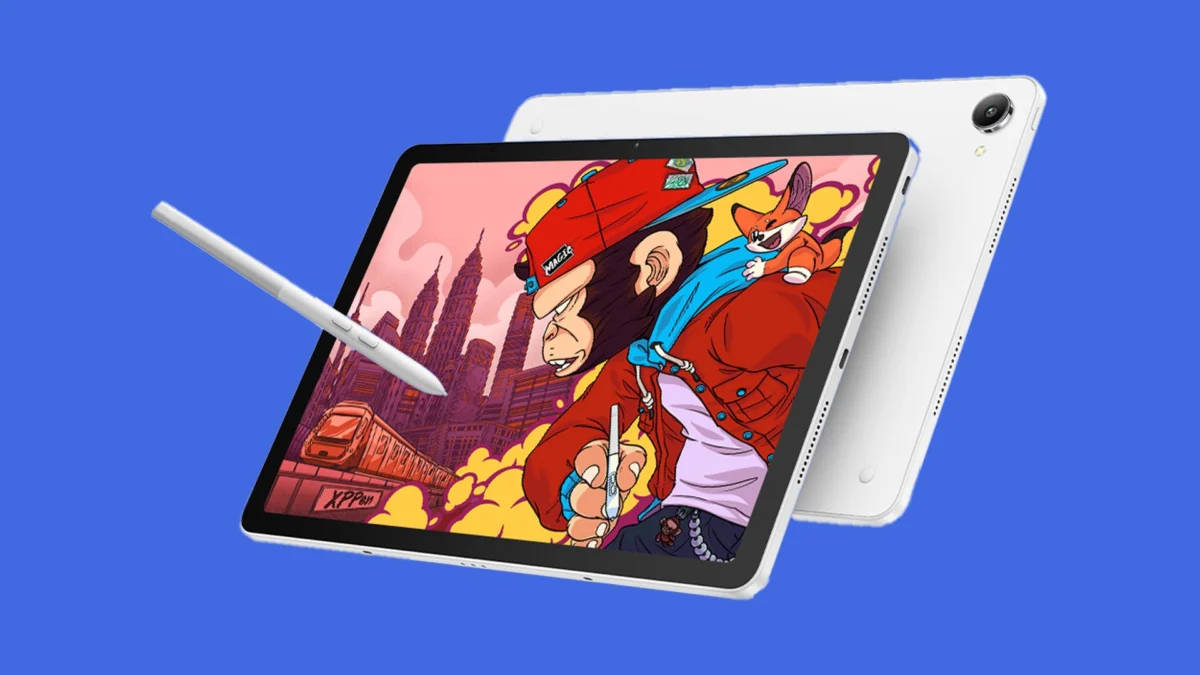
In the landscape of digital illustration, the iPad Pro has long sat atop the throne as the undisputed king of portability and performance. For years, professional artists have faced a binary choice: the polished, albeit glossy, experience of Apple’s ecosystem, or the tethered, hardware-heavy reliance on dedicated pen displays from industry giants like Wacom. Today, the XPPen Magic Pro 13 arrives to challenge this status quo.
Launching at an early-bird price of $899, this Android 16-powered device is not merely another tablet; it is a direct attempt to merge the convenience of a standalone mobile workstation with the professional-grade fidelity of a desktop drawing monitor.
Main Facts: A New Contender in the Creative Arena
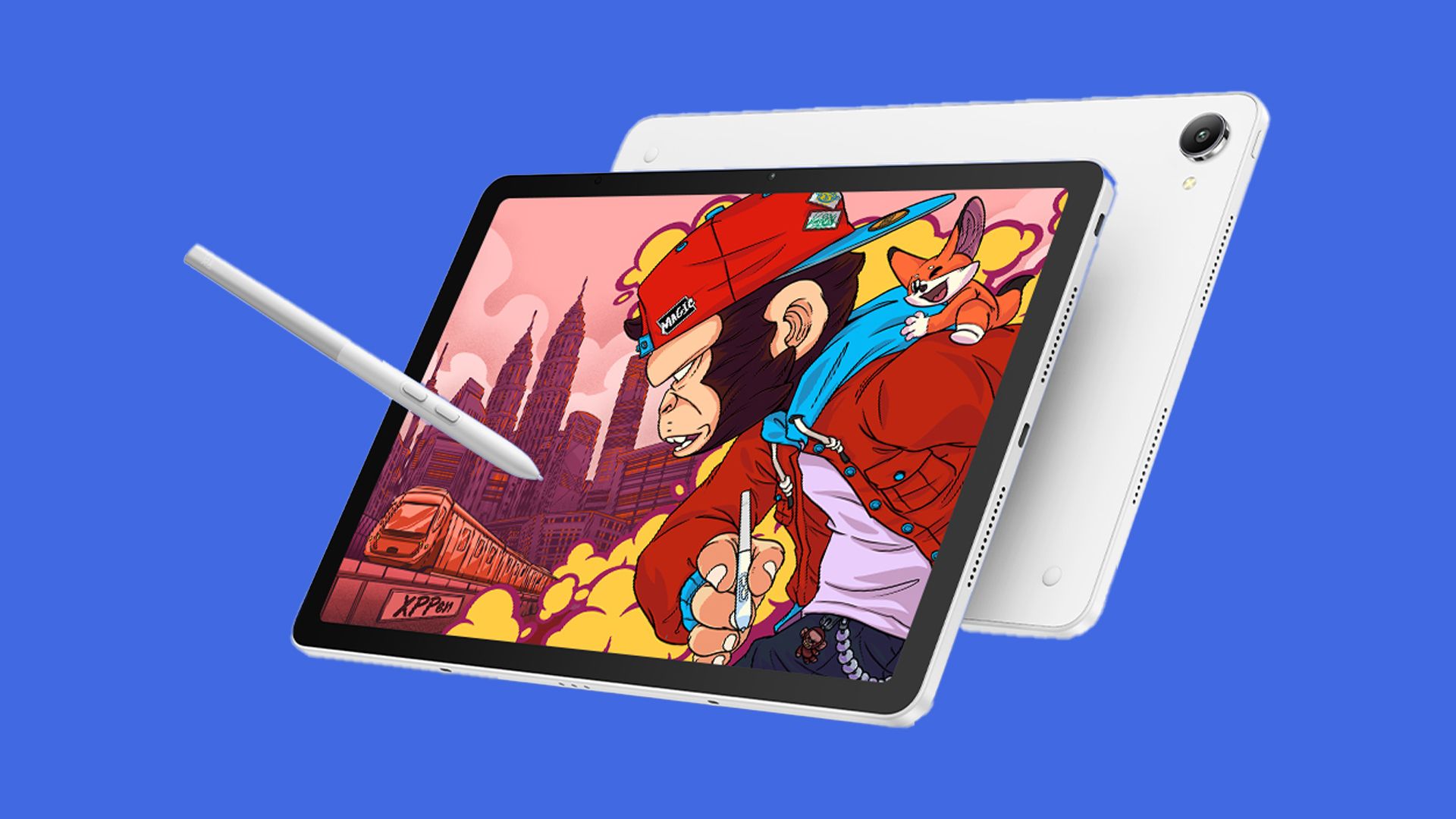
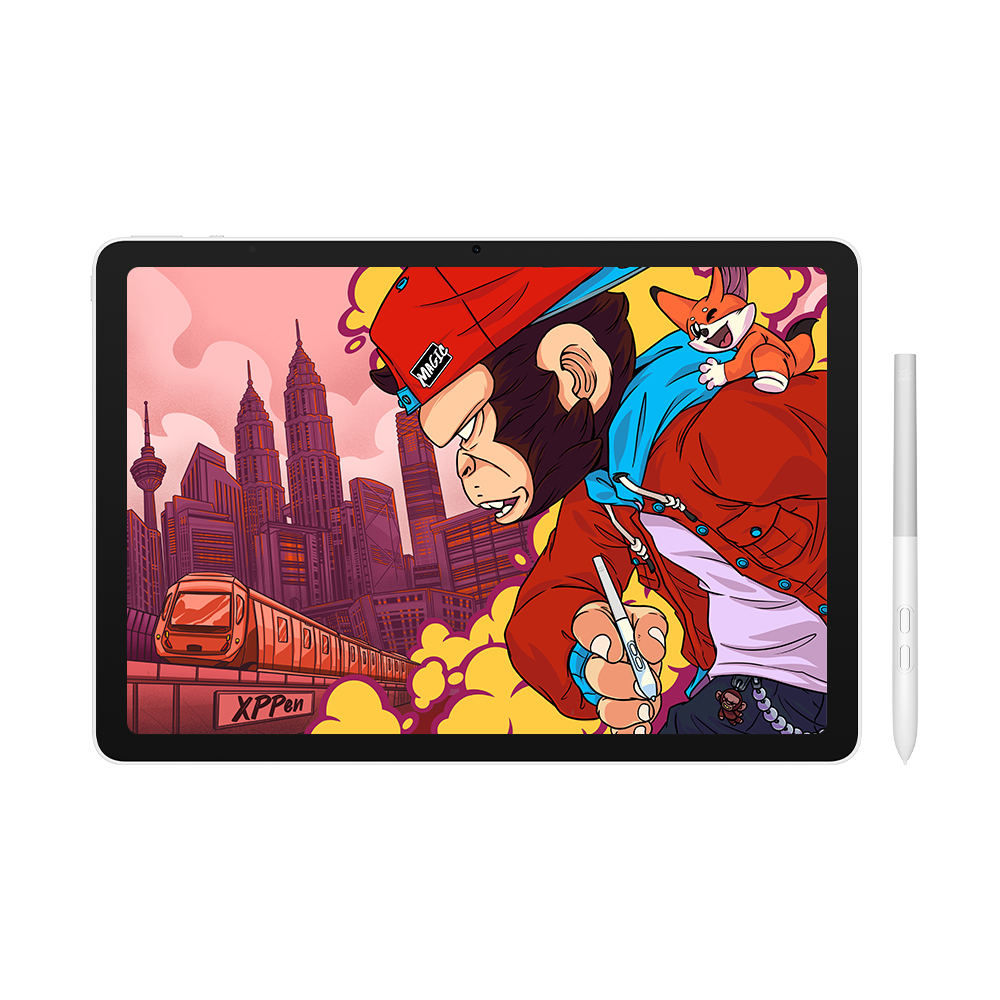
The XPPen Magic Pro 13 is designed with a singular purpose: to provide a high-end, tactile drawing experience that eliminates the need for screen protectors or bulky laptop setups. At its core, the device features a 3K display with a variable refresh rate of up to 120Hz, ensuring that every stroke is rendered with fluid precision.
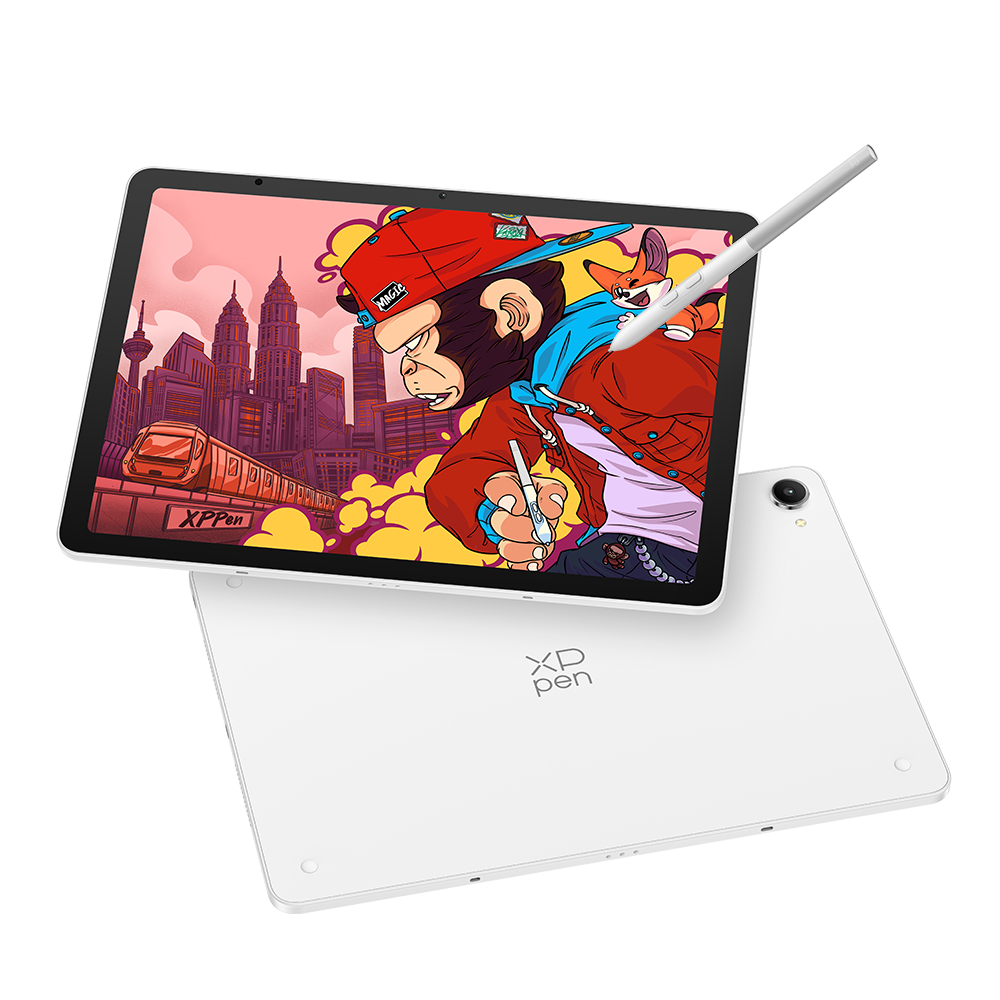
The standout hardware feature is the new X4 Smart Chip Stylus. With 16,384 levels of pressure sensitivity, it significantly exceeds the industry-standard 8,192, promising a level of nuance that caters to the most demanding illustrators. The tablet itself is remarkably thin at 6.65mm, weighing in at just 655g, making it a formidable companion for artists on the move.
Technical Specifications at a Glance:
- Operating System: Android 16
- Processor: MediaTek Dimensity 8300 (optimized for high-load 3D and art applications)
- Display: 3K resolution, 120Hz refresh rate, 650 nits peak brightness
- Stylus: X4 Smart Chip with 16K pressure levels, 60-degree tilt, and 2g initial activation force
- Battery: 10,200mAh with 45W PD fast charging
- Connectivity: Dual USB-C ports with single-cable "Drawing Display Mode"
Chronology of Development: From Experiment to Essential
The journey of the Magic Pro 13 began with the success of the original XPPen Magic Drawing Pad. That device acted as a proof-of-concept, revealing a massive, underserved market of artists who felt alienated by the "glass-on-glass" friction—or lack thereof—found on standard consumer tablets.
Since the debut of the first generation, the competitive landscape has shifted rapidly. Wacom responded with the release of the MovinkPad Pro 14, an OLED-powered pen display, while Huion introduced the budget-friendly Kamvas Pad 12. These releases highlighted a growing divide: devices were either hyper-expensive professional tools or compromised budget options.
The Magic Pro 13, developed over the last 18 months, is XPPen’s attempt to bridge this gap. Following three weeks of intensive testing, the consensus among early reviewers is clear: XPPen has transitioned from a budget alternative to a serious, feature-rich competitor that demands consideration from professional studios and independent creators alike.
Supporting Data: Why the Hardware Matters
The technical superiority of the Magic Pro 13 is evidenced by its display metrics and its innovative "Drawing Display Mode."
The Screen: Beyond Mere Pixels
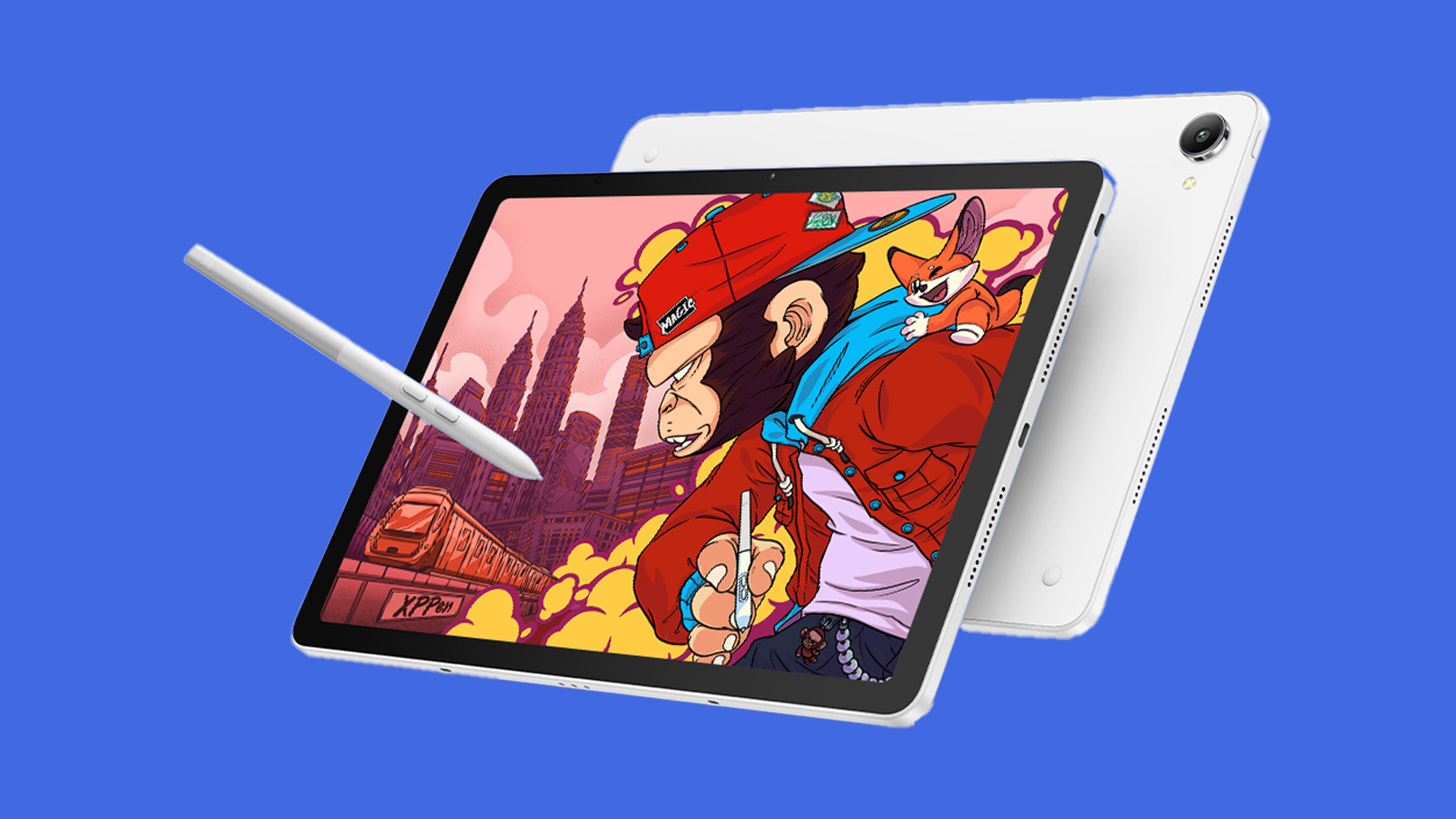
The display features nano-etched AG+AF glass, which provides a "toothy" texture reminiscent of premium cold-press paper. Unlike the iPad, which often requires an aftermarket matte screen protector (like the popular "Rock Paper Pencil" accessories) to achieve this feel, the Magic Pro 13 comes with this texture integrated directly into the hardware. With 100% sRGB and 96% DCI-P3 color gamut coverage, the color accuracy is sufficient for print production and digital asset creation.
The Stylus: The X4 Advantage
The "2g activation force" is perhaps the most important metric for artists. Many tablets struggle to register the lightest of strokes, leading to gaps in fine linework. The X4 stylus, however, is tuned to catch these subtle inputs, allowing for delicate shading and hatching that feels natural. When paired with the 16K pressure levels, the result is a tool that captures the intent of the artist rather than just the pressure.
Battery and Efficiency
With a 10,200mAh battery, the device is built for long-form sessions. The inclusion of 45W Power Delivery (PD) fast charging via dual USB-C ports ensures that if the battery does run low, the artist is not sidelined for long.
Official Responses: XPPen’s Vision for the Future
Brian Huang, Marketing Director at XPPen, positions the device as an "industry-first 2-in-1 tool." According to Huang, the core philosophy behind the Magic Pro 13 is adaptability.
"Artists don’t operate in a vacuum," Huang stated during the launch briefing. "They create on the train, in a cafe, and in a high-powered studio. Our goal was to create a device that doesn’t force the artist to compromise their workflow based on their environment. By making the Magic Pro 13 both a standalone Android tablet and a fully functional PC pen display, we are giving them a single tool that evolves with their day."
XPPen’s commitment is also evident in their software expansion. By introducing proprietary apps like "Shelf" for reference management and "Canvas" for rapid sketching, the company is signaling that it is finally investing in the ecosystem—the missing link that has historically kept artists tethered to the iPad and its robust App Store.
Implications: The Death of the "iPad-Only" Workflow?
The release of the Magic Pro 13 has profound implications for the digital art industry.
1. The Death of the "Glass Feel" Era
For years, the industry has accepted the "glass-on-glass" sensation of standard tablets as a necessary evil. XPPen’s success with the nano-etched screen proves that artists prioritize tactile feedback above all else. This may force major manufacturers to reconsider the surface texture of their flagship tablets in future iterations.
2. The Rise of the "Hybrid" Workflow
The "Drawing Display Mode"—which allows the tablet to function as a professional pen display for a PC via a single cable—effectively kills the need for a two-device setup. Previously, an artist might own an iPad for sketches and a Wacom Cintiq for final rendering. The Magic Pro 13 suggests a future where one device can perform both roles with zero latency, saving thousands of dollars in hardware costs for freelancers.
3. Software Parity is the Next Frontier
While the hardware is now on par with—or in some aspects, superior to—the iPad, the software ecosystem remains the final hurdle. Android as a platform is still catching up to the maturity of iPadOS in terms of professional creative suites. However, with XPPen now shipping its own productivity software and optimizing for the MediaTek Dimensity 8300, the gap is closing.
Final Verdict
The XPPen Magic Pro 13 is an ambitious, well-executed device that challenges the hegemony of the iPad Pro. While $899 is a significant investment for an Android tablet, the combination of a high-refresh 3K display, the highly sensitive X4 stylus, and the versatility of the 2-in-1 PC connectivity makes it a compelling value proposition. For the professional artist, it represents the first real opportunity to leave the Apple ecosystem without sacrificing the professional experience they have come to rely on.
As we move forward, the success of the Magic Pro 13 will likely be measured not just by its sales figures, but by how much it shifts the expectations of the creative community. The era of the "all-in-one" professional drawing tablet has officially arrived.
 Nila Kartika Wati
  Nana Muazin
  Laily UPN