In the rapidly evolving landscape of digital marketing, the sheer volume of data generated daily can easily overwhelm even the most seasoned professionals. With US social network ad spending projected to skyrocket past $121 billion, and global social media advertising heading toward an estimated $530 billion by 2030, the financial stakes of digital marketing have never been higher. Yet, marketing budgets remain tight, with Gartner surveys revealing that CMO budgets have flatlined at roughly 7.8% of overall company revenue.
For enterprise marketing teams, multi-client agencies, and scaling social departments, navigating this high-stakes environment requires more than intuition—it demands precise measurement. Enter the social media dashboard: a unified interface that pulls metrics from disparate social accounts into a single command center for tracking, analysis, and reporting.
Main Facts: What Is a Social Media Dashboard and Why Does It Matter?
At its core, a social media dashboard is a centralized software interface designed to aggregate performance metrics from networks like Instagram, LinkedIn, Facebook, TikTok, and X. Instead of forcing marketers to log into each native app separately to check campaign results, a dashboard synthesizes this information into a cohesive view.
The Operational Burden of Fragmented Data
As organizations expand their digital footprint, the reporting burden scales exponentially with every new account, channel, and campaign. Without a unified dashboard, marketing teams waste valuable hours toggling between platforms, exporting raw data, and manually stitching together monthly performance reports.
Modern dashboards solve this operational bottleneck by offering:
Real-time and near-real-time data streams that eliminate reactionary lag times.
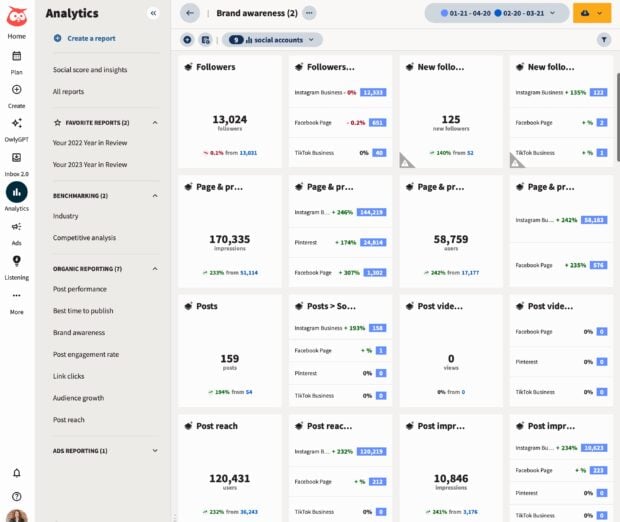
Customizable visual layouts featuring charts, graphs, and structured tables.
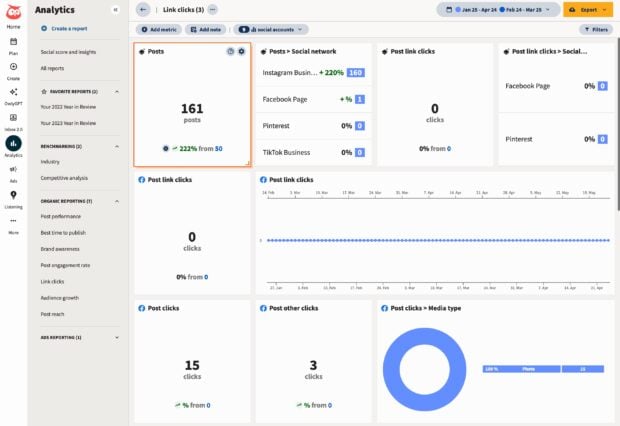
Granular filtering capabilities allowing users to sort by platform, date range, campaign, or specific performance metrics.
Seamless integration with broader marketing stacks, connecting social activity directly to business outcomes like lead generation, customer acquisition cost (CAC), and return on ad spend (ROAS).
Chronology: The Evolution from Native Analytics to Connected Social OS
To understand the modern social media dashboard, it is helpful to trace its evolution alongside the maturation of digital marketing itself.
Phase 1: The Siloed Era (Early 2010s)
In the early days of corporate social media, marketing teams relied almost exclusively on native platform analytics—Facebook Insights, Twitter Analytics, and early versions of Instagram business tools. Marketers operated in silos, manually copying and pasting numbers into spreadsheets to build cumbersome monthly reports.
Phase 2: The Rise of Standalone Reporting Tools (Mid-to-Late 2010s)
As ad budgets expanded, the industry demanded efficiency. This era saw the emergence of dedicated reporting and BI (Business Intelligence) tools like Google Looker Studio, Klipfolio, and Databox. These tools allowed marketers to ingest data sources into customizable templates, though they often required manual API configurations and ongoing maintenance.
Phase 3: The Unified "Social OS" Era (Present Day)
Today, the industry has shifted toward fully integrated ecosystems—such as Hootsuite Social OS—where publishing, community engagement, social listening, employee advocacy, and advanced analytics live under one roof. Rather than merely displaying historical charts, modern dashboards leverage AI-powered insights to flag market anomalies, predict content trends, and bridge the gap between organic social efforts and executive-level business goals.
Supporting Data: Mapping Dashboards to Strategy and Goals
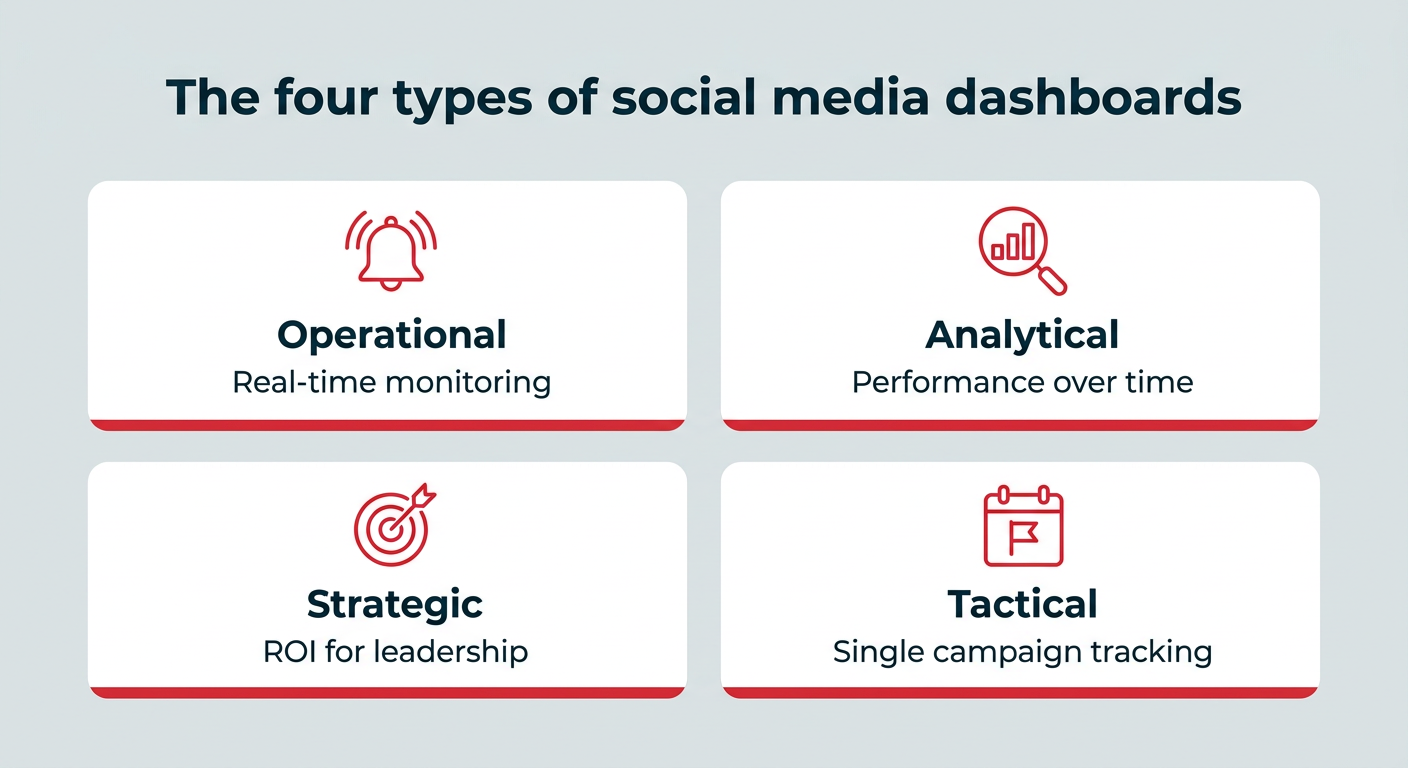
Not all dashboards are created equal. Trying to cram every available metric into a single view creates clutter rather than clarity. Industry frameworks categorize social media dashboards into four distinct operational types, each tailored to specific organizational roles:
Dashboard Type
Primary Purpose
Core Target Audience
Operational
Monitor live activity, incoming mentions, and real-time response needs.
Social media coordinators, community managers, customer care teams.
Analytical
Evaluate content and audience performance trends over extended timeframes.
Social media managers, data analysts.
Strategic
Report high-level ROI and long-term progress against core business objectives.
CMOs, VPs of marketing, enterprise directors.
Tactical
Track specific marketing initiatives from launch to wrap-up.
Campaign managers, paid social specialists.
Aligning Metrics with Business Objectives
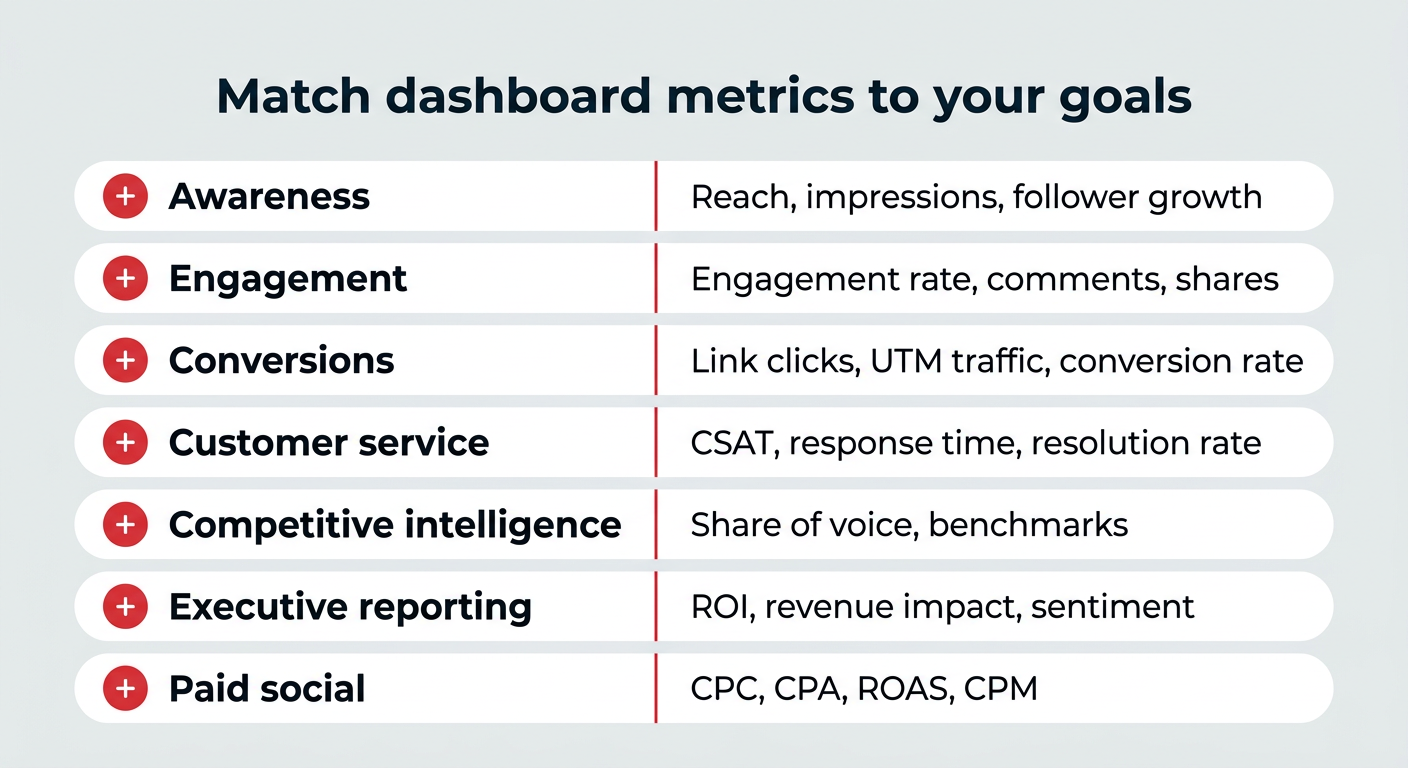
To ensure a dashboard drives actionable decision-making, metrics must map directly to overarching organizational goals:
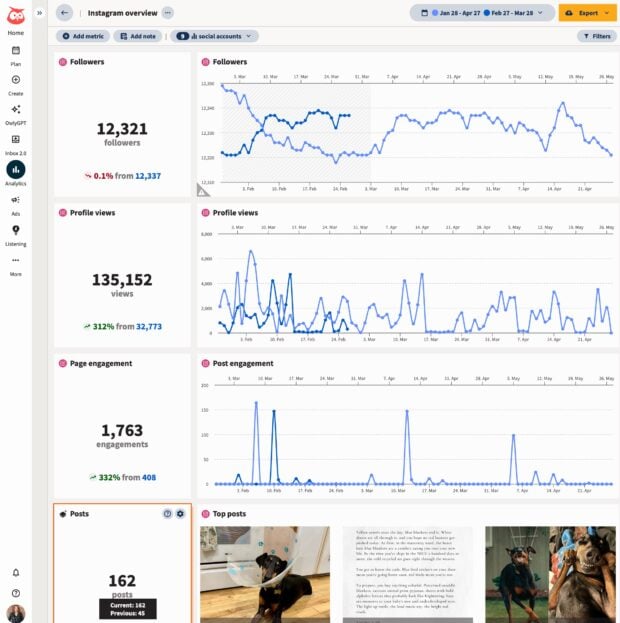
Brand Awareness: Track reach, impressions, and follower growth trends to gauge top-of-funnel impact.
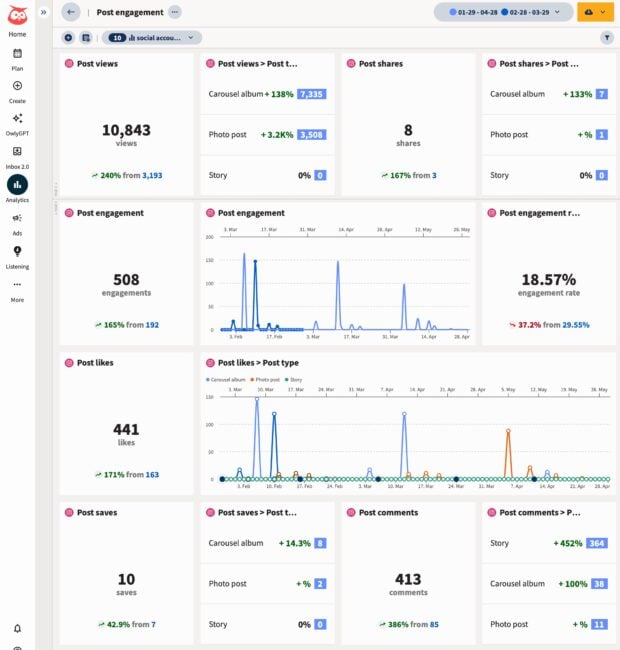
Engagement: Measure engagement rates, likes, comments, shares, and saves to determine how effectively content resonates with target audiences.
Conversions: Utilize UTM parameters, link clicks, and traffic attribution to monitor downstream actions like signups, pipeline generation, and purchases.
Customer Service: Track CSAT (Customer Satisfaction) scores, average response times, and issue resolution rates.
Competitive Intelligence: Monitor share of voice, competitor engagement rates, and industry benchmarking data.
Official Responses and Industry Perspectives: Overcoming the ROI Challenge
Connecting creative social media efforts to hard revenue numbers has historically been an uphill battle for marketing leaders. With 59% of CMOs reporting insufficient budgets to execute their strategies fully, proving value to executive boards is paramount.
Industry experts emphasize that modern dashboards serve as a bridge between creative teams and financial stakeholders. Trish Riswick, Social Media Lead at Hootsuite, highlights the importance of structured categorization:
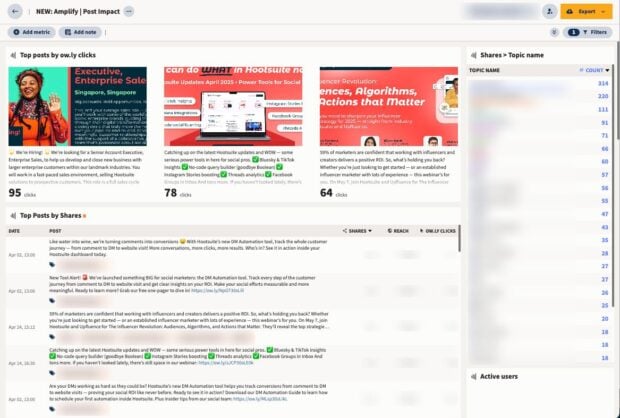
"We tag our posts according to which of our three pillars they belong to, then pull analytics reports for each of those tags. That allows us to track performance by pillar and goal, as well as all the overall, built-in reports in Hootsuite Analytics."
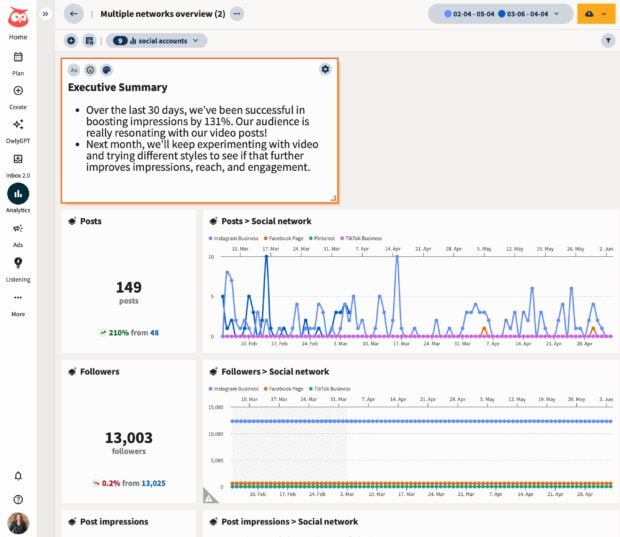
Furthermore, executive leadership rarely has the time to sift through granular post-level statistics. An effective executive summary dashboard provides a high-level snapshot—often utilizing proprietary metrics like a "social performance score"—to instantly communicate audience growth, top-performing content formats, and overall ad campaign ROI over a 30-day window.
Implications: Choosing the Right Dashboard Solution
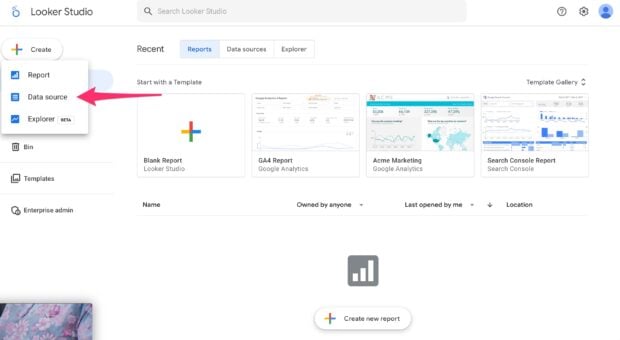
When selecting or building a social media dashboard, organizations generally choose between two primary paths: building a fully custom, manual dashboard using free tools like Google Looker Studio, or adopting a comprehensive, automated suite like Hootsuite Social OS.
Evaluating Your Options
Hootsuite Social OS: Best for enterprise teams and agencies that require publishing, social listening, customer care, and advanced cross-platform analytics unified in a single ecosystem. It features pre-built templates and AI-powered insights starting around $99/user/month for standard tiers.
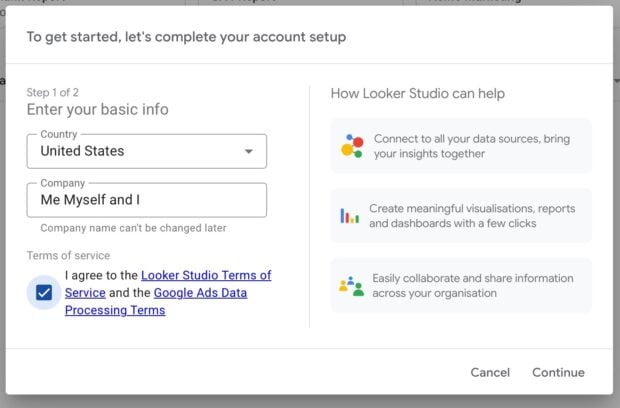
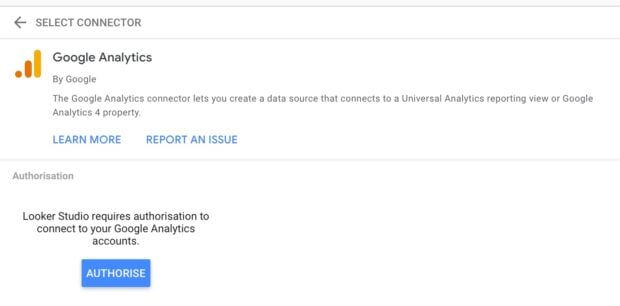
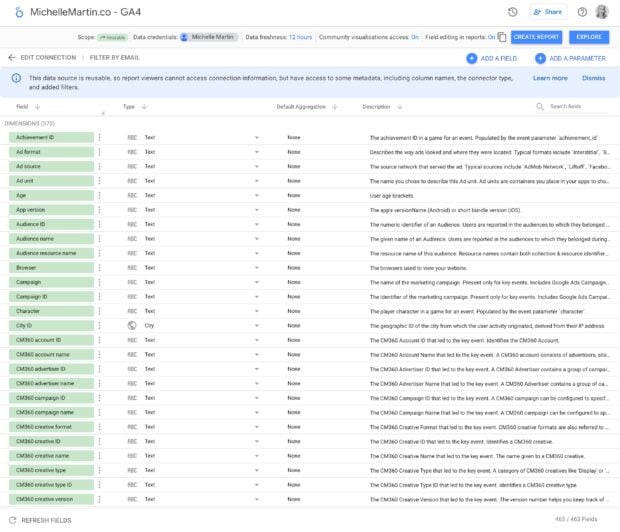
Google Looker Studio: Best for budget-conscious teams comfortable with manual setup and ongoing API maintenance. While free, it demands significant time investment to build and update.
Reporting Specialists (Klipfolio, Databox, DashThis, Whatagraph): Ideal for data analysts seeking granular control over custom metric formulas or multi-client agencies delivering automated, white-labeled client reports.
Key Criteria for Selection
Before committing to a dashboard tool, evaluate potential solutions against seven core criteria:
Data source compatibility and API reliability.
Ease of customization and layout flexibility.
Automation and real-time data update speeds.
Stakeholder sharing and collaborative permission controls.
Inclusion of qualitative insights (such as AI summaries and social listening).
Total cost of ownership (including setup time and maintenance).
Scalability across expanding multi-channel campaigns.
Ultimately, whether an organization opts for a specialized reporting app or an all-in-one social operating system, the objective remains clear: transform raw data into actionable insights, secure necessary executive buy-in, and drive measurable business growth through strategic social media management.

 By Asep Darmawan



 Ammar Sabilarrohman
  Jia Lissa
  Muslim